
If your favourite Motion Stamp wedding invitation is available in both portrait and landscape, you may be wondering which format is right for you.
The short answer: choose the format that best matches how your guests are most likely to view your invitation.
Both portrait and landscape wedding invitation videos work beautifully across mobile phones, tablets and computers. Both are supplied as optimised HD video and feature the same graphics, fonts, music and level of personalisation.
The main difference is how each format uses the available screen space.
As a general guide, portrait is ideal if most of your guests will open your invitation on their phones through WhatsApp, iMessage, Messenger or another messaging app.
Landscape may be a better choice if you prefer a more cinematic presentation or expect your invitation to be viewed frequently on a computer or laptop.Ultimately, there is no universally better option and it comes down to your preferred viewing experience and design style.
What Is the Difference Between Portrait and Landscape Video?
A portrait wedding invitation is designed vertically at 1080 × 1920 pixels, while a landscape wedding invitation is designed horizontally at 1920 × 1080 pixels.Both are HD video formats. Choosing one orientation does not mean compromising on video quality.
The main difference is the shape of the screen they naturally fill.Most people hold their phones vertically, making portrait a natural fit for mobile viewing. Computer monitors and laptop screens are generally horizontal, so landscape naturally makes fuller use of these screens.
However, portrait is not limited to phones, and landscape is not limited to computers. Both formats work across mobile phones, tablets and computers. The difference is simply how naturally each format fills the screen.
Is Portrait Better for Viewing a Wedding Invitation on A Phone?
If you expect most of your guests to watch your invitation on their mobile phone, portrait has a small but practical advantage: guests can watch it without rotating their device.
When a portrait invitation plays full screen on a phone, it fills the vertical screen while the guest is already holding their phone in its natural position.
This can be particularly convenient when you're sending your wedding invitation through WhatsApp, iMessage or Messenger, as your guest will most likely open the invitation directly from the message on their phone.
A landscape invitation also works perfectly well on a mobile device. When it first opens while the phone is being held vertically, however, the video will appear smaller within the screen. The guest simply needs to rotate their phone sideways to view it full screen.
It's only one extra step, but if mobile viewing is your priority, portrait offers the more seamless experience.
Is Landscape Better for Viewing on A Computer?
Yes, landscape has a natural advantage on computers and laptops because their screens are generally horizontal.
A landscape wedding invitation can fill the available screen when played full screen.
A portrait invitation will instead fill the available vertical height, with empty space on either side of the video.
Again, both formats work perfectly well. The difference is that landscape makes better use of a horizontally oriented screen.
This can be worth considering if you're adding a matching wedding invitation webpage and expect guests to return to your webpage from their computer to check wedding information, RSVP or watch your invitation again.
How Do Portrait and Landscape Invitations Look on Different Devices?

Both formats can be watched on mobile phones, tablets and computers.
The difference is not compatibility. It is how much of the available screen each orientation naturally uses.
- Mobile phone held vertically: Portrait fills more of the screen; landscape appears smaller until the phone is rotated.
- Mobile phone held horizontally: Landscape fills more of the screen; portrait appears narrower.
- Computer or laptop: Landscape naturally fills more of the horizontal screen; portrait leaves space on either side.
If visual examples are available on this page, they can help you see the difference at a glance.
Do Portrait and Landscape Invitations Have the Same Design?
Yes.
If a Motion Stamp design is offered in both portrait and landscape, you'll find the same graphics, fonts, music and overall style in each version.
However, we don't simply crop one video to create the other.
Portrait and landscape are two individually custom-designed layouts. The graphics and text are arranged specifically to make the best use of each frame, so your invitation feels intentionally designed whichever orientation you choose.
This also means you'll need to choose your preferred orientation when you place your order. Changing from portrait to landscape after your invitation has been created isn't part of the revision process because the text and design need to be rearranged for the different frame.
Does Landscape Look More Cinematic?
Landscape video has a more traditional, cinematic feel. We're accustomed to watching movies and television on wide screens, so landscape can naturally feel a little more classic and cinematic.
It also gives the design room to unfold horizontally, which can work particularly beautifully with longer animated wedding invitation collections.
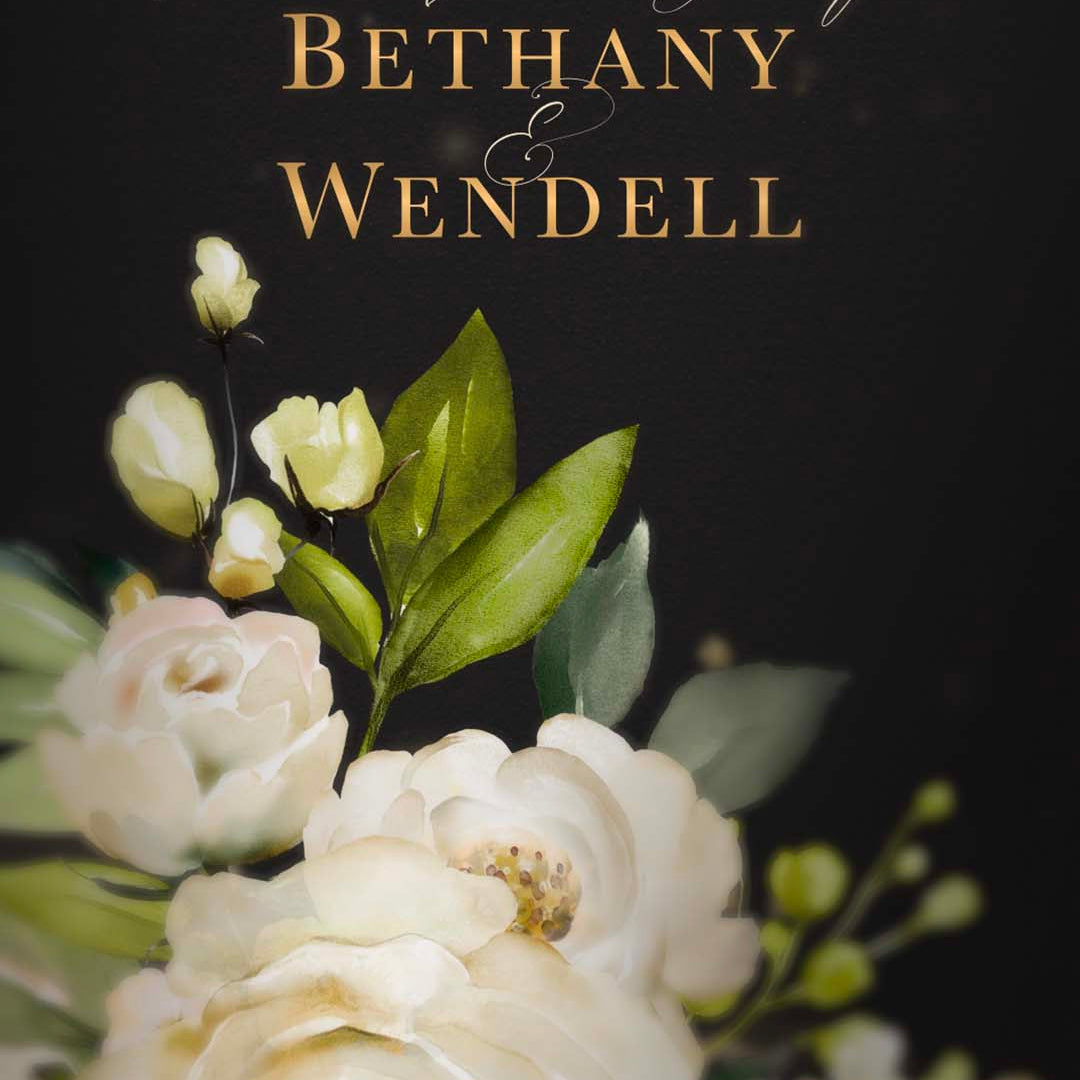
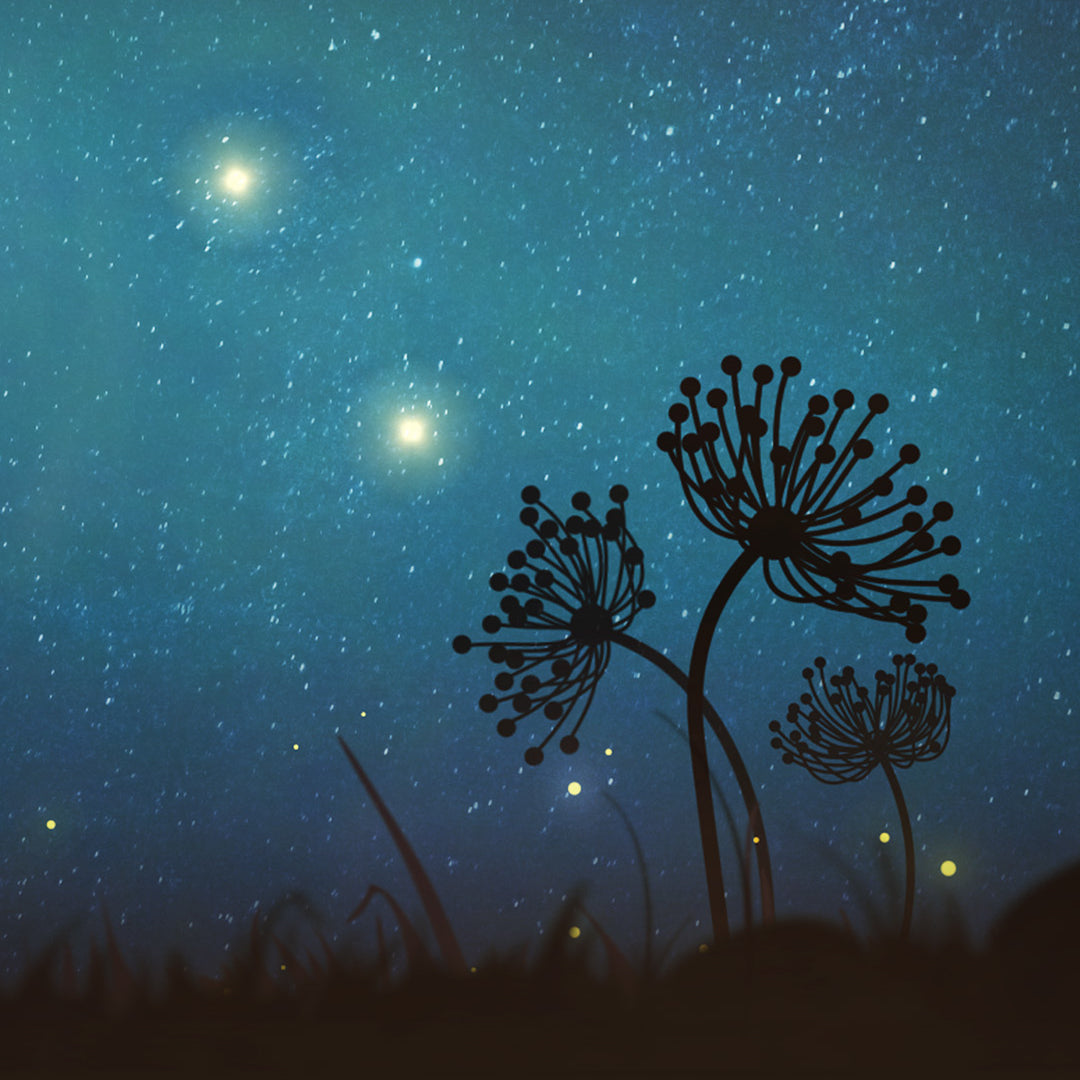
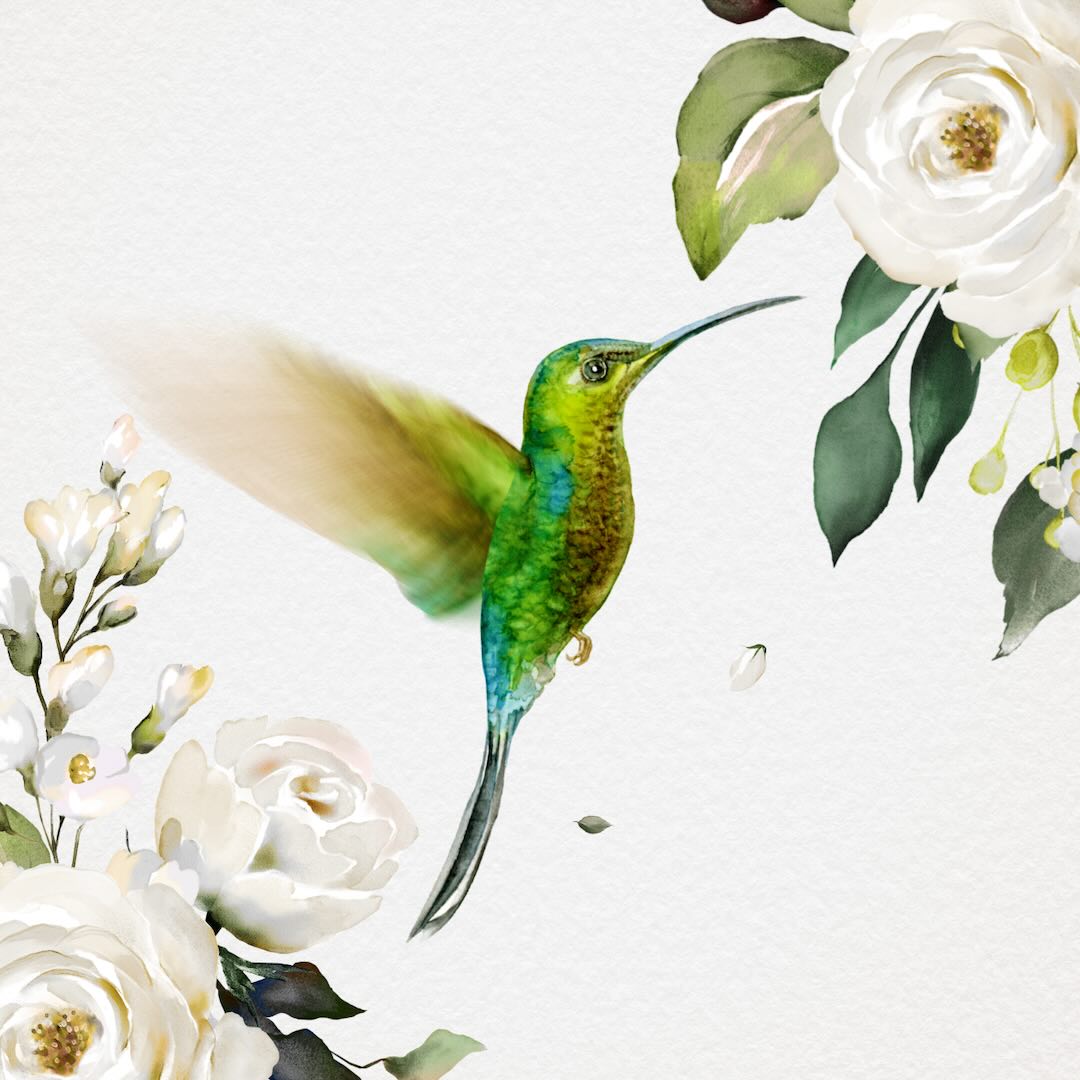
Portrait video has become increasingly familiar with the rise of smartphones. Its tall frame can create equally beautiful compositions, particularly for designs featuring vertical elements such as flowers and botanical artwork.
Neither format is inherently more beautiful. They simply create a different visual experience.
Why Are Some Motion Stamp Invitations Only Available in Portrait?
Motion Stamp's available orientations vary by invitation collection, and this is intentional.
You'll notice that Motion Stamp only offers landscape versions of our longer wedding invitation collections.
With a longer invitation, a guest viewing the video on their phone has time to realise it's landscape, rotate their device and then enjoy the invitation as the story continues to unfold.
Our shorter Save the Date and birthday invitation designs are only offered in portrait. With a much shorter video, a guest could spend a significant part of the invitation simply realising they need to rotate their phone and doing so.
It's a small design decision, but one based on how guests are likely to experience the invitation in real life.
Should My Photograph Affect Which Format I Choose?
It can, but your photograph doesn't have to determine your choice.
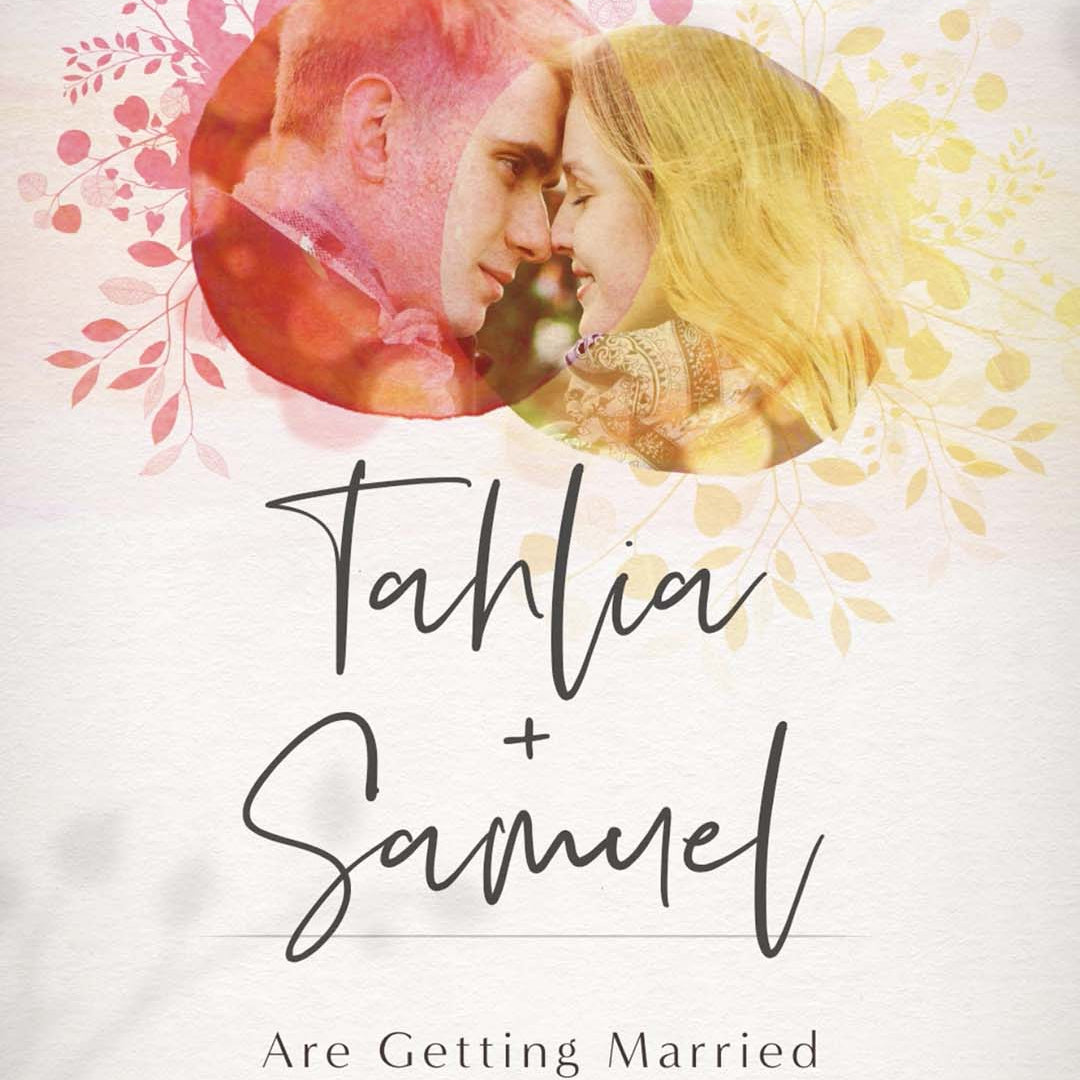
If you're including a photograph of the two of you and it's already vertically composed, you may like the way it fills a portrait invitation.
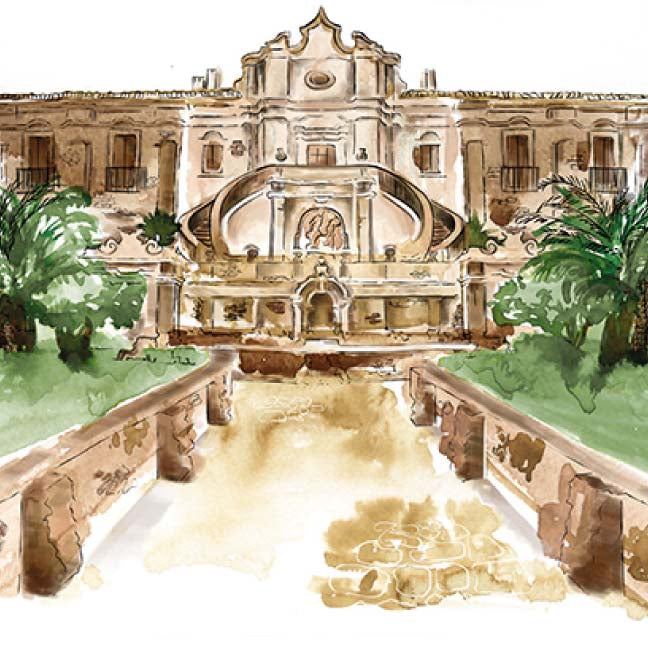
If you have a beautiful wide photograph, particularly one where the landscape, architecture or location behind you is an important part of the image, a landscape invitation can provide more room to showcase it.
However, you don't need to choose your invitation format based purely on your photograph. Your photograph can be edited and composed to work within either orientation.
Think of your photograph as one consideration rather than a rule.
What If I Want Our Full Names on the Invitation?
This is another small design detail that may influence your preference.
Many Motion Stamp designs feature the couple's names in a beautiful calligraphy or handwritten-style font.
If you're using first names, they can generally be displayed prominently in either portrait or landscape.
If you'd prefer to include your first, middle and last names, landscape provides more horizontal space. This can make it easier to keep longer names on a single line while maintaining a generous lettering size.
Full names can absolutely be included in a portrait invitation too. Depending on their length, however, the lettering may need to be slightly smaller to fit comfortably within the narrower frame.
Neither option is right or wrong. It's simply another factor to consider if displaying your full names prominently is important to you.
Can I Include the Same Amount of Information in Either Format?
Yes.
You don't need to choose landscape simply because your invitation contains more wording, or portrait because it contains less.
Both designs are created to accommodate wedding invitation wording, and text can be arranged across multiple lines where necessary.
The orientation does not determine how much normal invitation information you can include.
Is The Video Quality Different Between Portrait and Landscape?
No.
Both portrait and landscape Motion Stamp invitations are created and supplied as optimised HD videos.
Landscape invitations are 1920 × 1080 pixels and portrait invitations are 1080 × 1920 pixels.
The dimensions are different, but the HD quality is not compromised by choosing either orientation.
Both formats can also be downloaded from Vimeo and shared with your guests in the same way.
So, Should I Choose Portrait or Landscape for My Wedding Invitation?
If you're still unsure, start with one simple question: how will most of your guests experience your invitation?
Portrait may suit you if:
- Most guests will receive the invitation through WhatsApp, iMessage, Messenger or another messaging app.
- You expect most guests to watch on their phones.
- You like the contemporary vertical format.
- Your design or photograph naturally suits a taller composition.
- You'd prefer guests not to have to rotate their phone.
Landscape may suit you if:
- You love a more cinematic or classic presentation.
- You expect the invitation to be viewed frequently on computers or laptops.
- You have a wide photograph or beautiful scenery you'd particularly like to showcase.
- You'd like long full names displayed prominently in calligraphy.
- You simply prefer the look of the wider design.
Still can't decide?
Choose portrait if mobile-first viewing is your priority. Choose landscape if you prefer a wider, more cinematic presentation.
But these are guidelines, not rules.
Both portrait and landscape wedding invitation videos work on phones, tablets and computers. Both offer the same HD quality, the same level of personalisation and the same beautiful Motion Stamp design.
The best format is ultimately the one that suits your guests, your design and your personal preference.
If you're likely to send your invitation primarily to mobile phones, we'd generally lean towards portrait for the most seamless viewing experience. If you love the cinematic look of landscape, however, there's absolutely no reason not to choose it.
Either way, your invitation has been specifically designed to make the most of the format you choose.
Ready to choose your invitation? Explore Motion Stamp's available designs and select the orientation that best suits your celebration and your guests.