
Collect Guest Responses Online
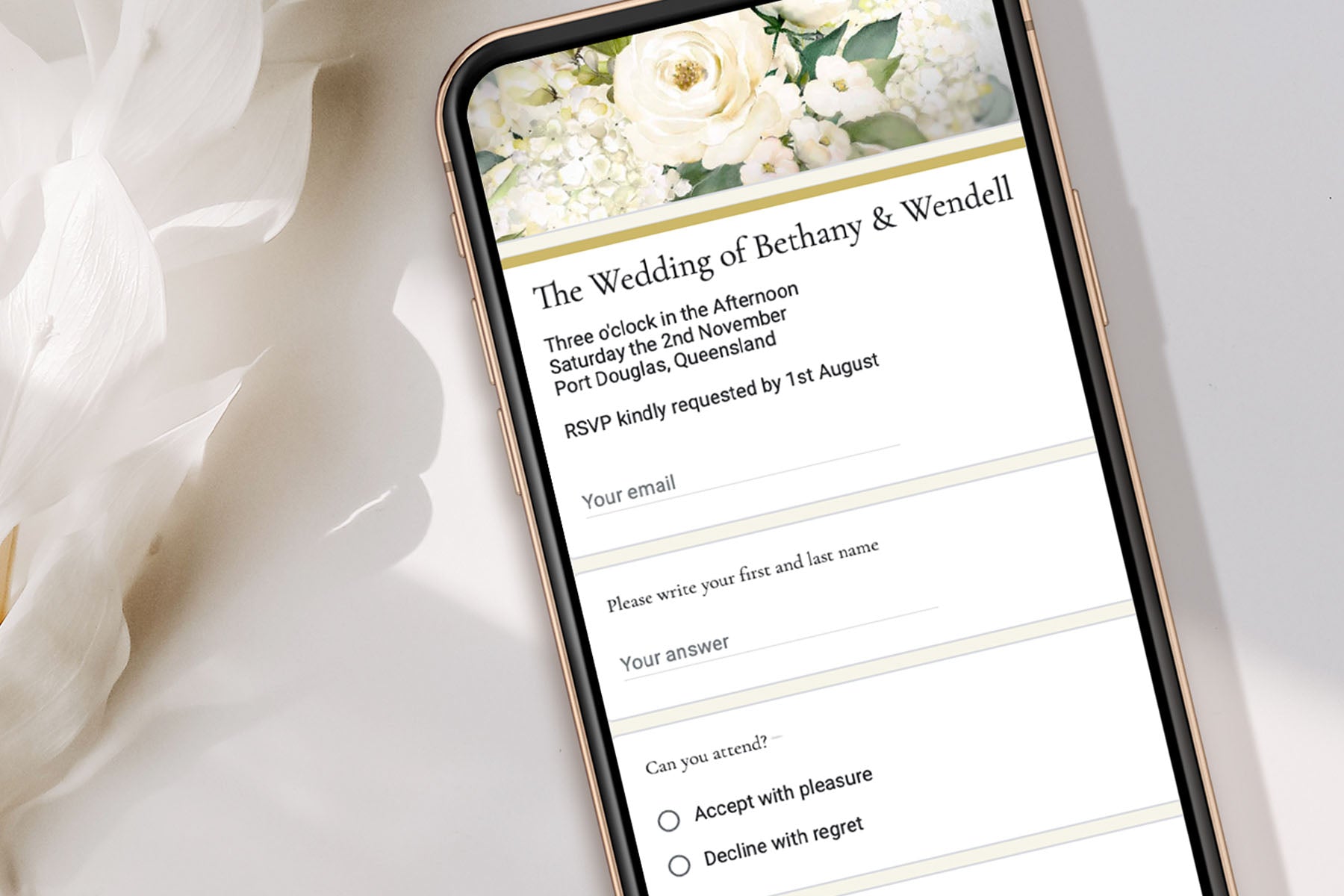
Motion Stamp provides complimentary RSVP templates that can be linked directly to your invitation webpage.
Your RSVP remains completely under your control, with all guest responses stored securely in your own Google account.
Simply choose the RSVP design that matches your invitation, customise it to suit your event, and send us the form link.
How to Set Up Your RSVP Form
- Log in to your Google account
This process is easiest to complete from a computer rather than a mobile phone. - Choose a matching RSVP design
Browse the RSVP templates below and select the design that best matches your invitation. - Copy the RSVP template
Click Copy RSVP Template. This will create an editable copy of the form inside your Google Drive. - Customise your questions
Update wording, attendance options, meal selections, guest limits, or any other questions required for your event. - Publish your form
Once complete, click Publish, choose Anyone with the link, and copy the responder link. - Send us the responder link
Email the responder link to Motion Stamp and we will connect it to your invitation webpage. - View guest responses
All RSVP responses can be viewed at any time within the Responses tab of Google Forms.
Choose Your Matching RSVP Template
Select the RSVP template that best matches your invitation. Once copied to your Google account, you can customise the wording, questions and response options to suit your event.

Floral & Gold
Floral Collection

Black & Gold
Floral Collection

Pink & Gold
Floral Collection

Botanical Black & White
Botanical Collection

Botanical Rose
Botanical Collection

Botanical Emerald
Botanical Collection

Botanical Sage
Botanical Collection

Boho Blue
Boho Collection

Boho Neutral
Boho Collection

Boho Green
Boho Collection

Boho Terracotta
Boho Collection

Watercolor Sunset
Watercolor Collection

Watercolor Lavender
Watercolor Collection

Butterfly
Modern Collection

Enchanted Forest
Modern + Birthday Collection

Lord of the Rings
Modern Collection

Gold & Black 50th
Birthday & Baby Collection

Harry Potter
Birthday & Baby Collection

Unicorn Birthday
Birthday & Baby Collection
Google Forms Tips
Recommended Settings
- Turn off Make this a quiz
- Enable Collect email addresses if you would like guest contact details
- Turn off Allow response editing if you do not want guests changing answers later
- Turn off Limit to 1 response if you want guests to respond without a Google account
- Customise the Confirmation message shown after submission
Viewing Responses
All guest replies are stored in the Responses tab of your Google Form and can be exported to a spreadsheet if required.
Tip: Before sending your RSVP to guests, submit a few test responses to ensure your questions and settings are working as expected.
Need More Flexibility?
Google Forms is perfect for most events, but some celebrations require additional RSVP features such as meal selections, guest management, accommodation tracking and more. Visit our RSVP suggestions guide for ideas and recommendations.