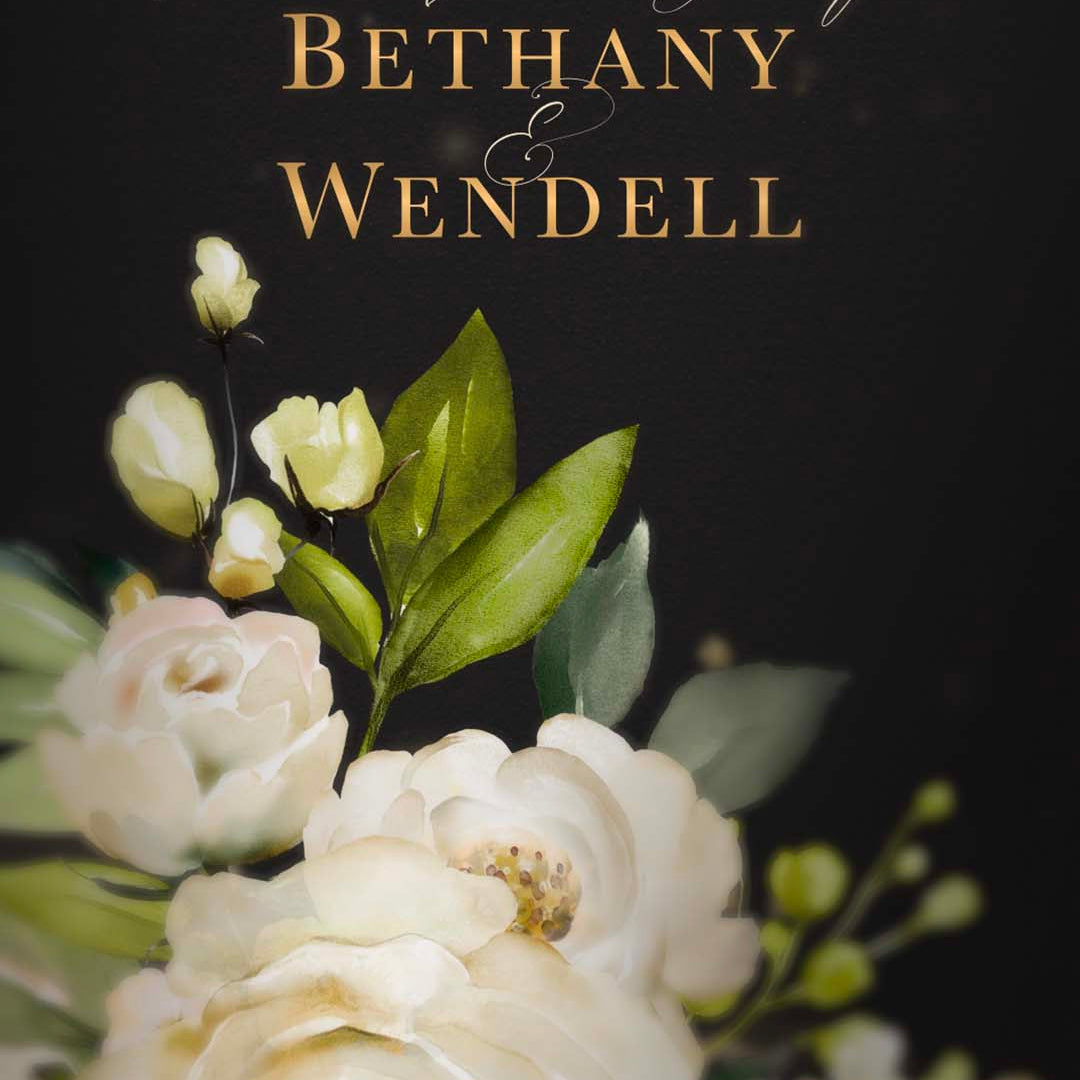

If you're planning your wedding, you must have plenty of things to do. First things first, you need to create a guest list and invite your friends and loved ones to such a joyful occasion. The invitation you send is the first glimpse your guests get of your big day. It sets the tone for everything from the dress code to the overall vibe.
In recent years, many couples have been using Canva wedding invitations. They are accessible, affordable, and put the creative power in your hands. But many still wonder if they're the right choice for their wedding.
In this guide, we will explain the pros and cons of using Canva wedding invitations and look at some modern alternatives that might better suit your needs.
The Advantages of Using Canva for Your Wedding Invitations
Canva has turned from a simple design tool into a go-to resource for wedding planning. If you are considering the DIY route, here are the primary reasons it remains a top choice for modern couples.
1. It's Very Budget-Friendly
Wedding budgets can disappear quickly, and traditional custom stationery is often a major expense. Between professional design fees, high-end paper, and physical postage, costs can reach into the thousands. Canva provides a massive library of free templates. This allows you to redirect those funds toward other priorities, like your honeymoon or venue upgrades.
2. User-Friendly Interface
You do not need a degree in graphic design to create something beautiful. Unlike complex professional software, Canva uses a straightforward "drag-and-drop" system. Changing colors to match your wedding palette, swapping out fonts, or moving images is as simple as a few clicks. It takes the technical intimidation out of the creative process.
3. Huge Variety of Options
No matter your wedding theme, there is likely a template that fits. Whether you are planning a rustic barn celebration, a sleek black-tie event, or a colorful destination wedding, you can search by aesthetic or color. This gives you a professional-looking foundation that you can then customize to feel personal.
4. Total Creative Control
Working with a professional stationer usually involves a set number of "revisions" before costs go up. With Canva, you have total control 24/7. If you decide to change your wording or adjust a shade of blue in the middle of the night, you can do so instantly. You aren't waiting on someone else's schedule to see your vision come to life.
5. Easy Coordination
One of the biggest perks is how easily you can maintain a "branded" look for your wedding. Once your main invitation is finished, you can quickly copy the design elements to create matching Save the Dates, RSVP cards, menus, and seating charts. This ensures every piece of stationery your guests see feels cohesive and intentional.
The Drawbacks of Using Canva for Your Wedding Invitations
While Canva is an incredibly powerful tool for many projects, it isn't always the perfect solution for a milestone as big as your wedding day. Before committing to the DIY route, it is important to consider these common challenges.
1. The "Template" Look
Since Canva is so popular, thousands of other couples are browsing the exact same library of templates. This increases the chance that your wedding invitation might look identical to someone else's.
If you are dreaming of a truly unique, one-of-a-kind design that reflects your specific story, a template can sometimes feel a bit "cookie-cutter." Achieving a high-end, custom feel often requires a level of design effort that offsets the convenience of using a template in the first place.
2. Printing Pressure
Designing the invitation on your screen is only half the battle. But if you're planning to get your invitation printed, you become responsible for technical details like "bleed margins," ink saturation, and paper weight.
Many couples choose the DIY path to save money, only to end up spending more when they realize their home printer can't handle heavy cardstock or the colors look dull compared to the digital version. Managing the quality control for a hundred physical copies can quickly become a source of wedding-week anxiety.
3. Time-Consuming
"DIY" stands for "Do It Yourself," and that translates to hours of your time. Between selecting a theme, entering every guest's details, proofreading for typos, and managing the physical assembly of envelopes and stamps, it is a massive undertaking. During an already busy planning period, adding "stationery production" to your to-do list can turn a fun project into a stressful chore.
4. Lack of Professional Polish
Canva templates are designed to be flexible, but they don't always offer the sophisticated polish of a professional designer. Small but critical details (like the spacing between specific letters or the way a decorative script font flows) can look a bit awkward if you aren't trained in typography.
A professional eye ensures that the hierarchy of information is clear and the overall aesthetic feels high-end rather than "homemade."
5. Traditional Limitations
We live in a world where a flat piece of paper can feel a bit limited. Traditional cards don't allow for the emotional impact of music or the visual excitement of movement. Furthermore, they lack the convenience of "one-click" RSVPing and instant map links, which many modern guests have come to appreciate for ease and efficiency.
A Modern Alternative: The Rise of Canva Video Invitations
With weddings becoming more and more personalized, many couples are looking for something other than the traditional paper card. If you love the idea of a DIY-friendly approach but want something that feels more "premium" and exciting, you might want to consider a Canva video invitation.
Think about it: instead of a guest opening an envelope and seeing a static piece of card, they receive a stunning, high-definition video set to beautiful music. It tells a story in a way that paper simply cannot.
For couples who want that professional, high-end look without the stress of designing from scratch, we offer a sophisticated solution. At Motion Stamp, we specialize in Canva video wedding invitation templates that are as elegant as traditional stationery but much more engaging.

How to Decide: Canva vs. Professional Video vs. Traditional
Your final choice really comes down to your priorities.
Choose Canva if:
-
You are on a very tight budget.
-
You enjoy the process of DIY and graphic design.
-
You have a very specific, simple vision that a template can easily satisfy.
-
You have a reliable printer or local print shop you trust.
Choose a Professional Video Invitation (Like Motion Stamp's Canva Video Templates) if:
-
You want to wow your guests with something unique and modern.
-
You want a "designer" look without having to actually do the design work yourself.
-
You have many out-of-town or international guests (digital delivery is much easier!).
-
You want to save time and avoid the headache of stamps and envelopes.
Choose Traditional Stationery if:
-
You have a very formal, black-tie wedding where a physical card is expected.
-
You have a large budget for high-end finishes like letterpress or gold foil.
-
You aren't worried about the environmental impact of paper.
Tips for Using Canva Successfully
If you do decide that Canva is the right path for you, here are a few tips to make sure your invitations look as professional as possible:
1. Check Your Resolution: If you're planning to get the invitation printed, always download your final design as a "PDF Print" to ensure the highest quality. Standard JPEGs can look blurry when printed.
2. Order Samples: If you use Canva's internal printing service, order a single sample first. Colors on a screen always look different from how they do on paper.
3. Use High-Quality Photos: If your invitation includes an engagement photo, make sure it is a high-resolution file. A grainy photo will ruin an otherwise beautiful design.
4. Keep it Simple: Don't use too many different fonts. Stick to two, perhaps one elegant script and one clean "serif" or "sans-serif" font for the details.
5. Proofread Three Times: The final step is to proofread the invitation thoroughly. There is nothing worse than printing 100 invites with a typo in the venue address.
Final Thoughts
Your wedding invitation is an announcement of a new chapter in your life. No matter what format and option you go for, make sure it reflects who you are as a couple.
Canva is a fantastic tool for those who want to save money and get creative. However, if you find yourself feeling overwhelmed by the design process or worried about the "cheap" feel of DIY printing, don't be afraid to look at digital video alternatives.
At Motion Stamp, we make things better and more creative for you by offering video templates of Canva wedding invitations. Our invitations provide that "wow factor" and keep your wedding planning process simple and stress-free.
Check out our Canva wedding invitations today.
Frequently Asked Questions
Are digital wedding invitations considered formal enough for a wedding?
Absolutely. While Canva offers basic templates, Motion Stamp provides artist-crafted animations and high-definition visuals that match the elegance of traditional stationery while adding a sophisticated, modern "wow" factor.
How do I handle RSVPs with a video invitation?
It’s incredibly simple. Motion Stamp can host your video on a private, personalized webpage that includes a direct RSVP button, linking seamlessly to your digital guest-tracking form.
Can I customize the music and fonts in my video?
Yes! Unlike static templates, Motion Stamp allows you to personalize your video with specific music, professional typography, and custom colors to ensure the invitation perfectly reflects your unique style.
Is a video invitation better for destination weddings?
Video is ideal for travel. You can instantly share high-quality invites globally via WhatsApp or email, providing guests with immediate access to venue maps and real-time travel updates.
How does a video invitation compare to a printed Canva invite?
While Canva creates beautiful static cards, Motion Stamp elevates the guest experience with cinematic movement and music, providing a premium, professional look that paper templates simply cannot replicate.