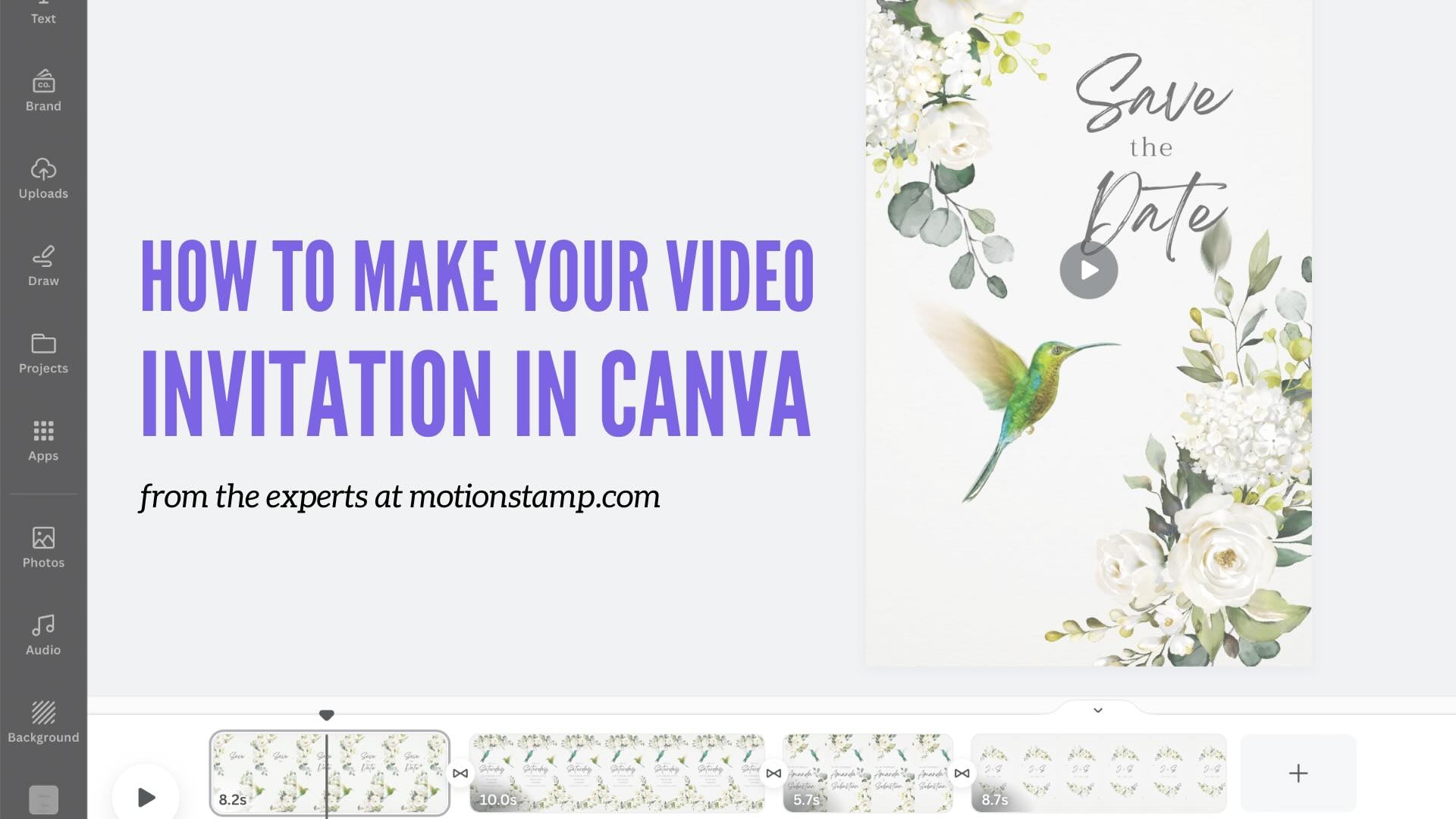

Create your own invitation video in Canva — no design experience required
1. Choose a Design
Select a professionally animated template you love.
2. Instant Access
Receive your Canva template immediately after purchase.
3. Make It Your Own
Edit text, fonts, timing and music in Canva.
4. Download & Share
Download and share by your preferred message app or social media.
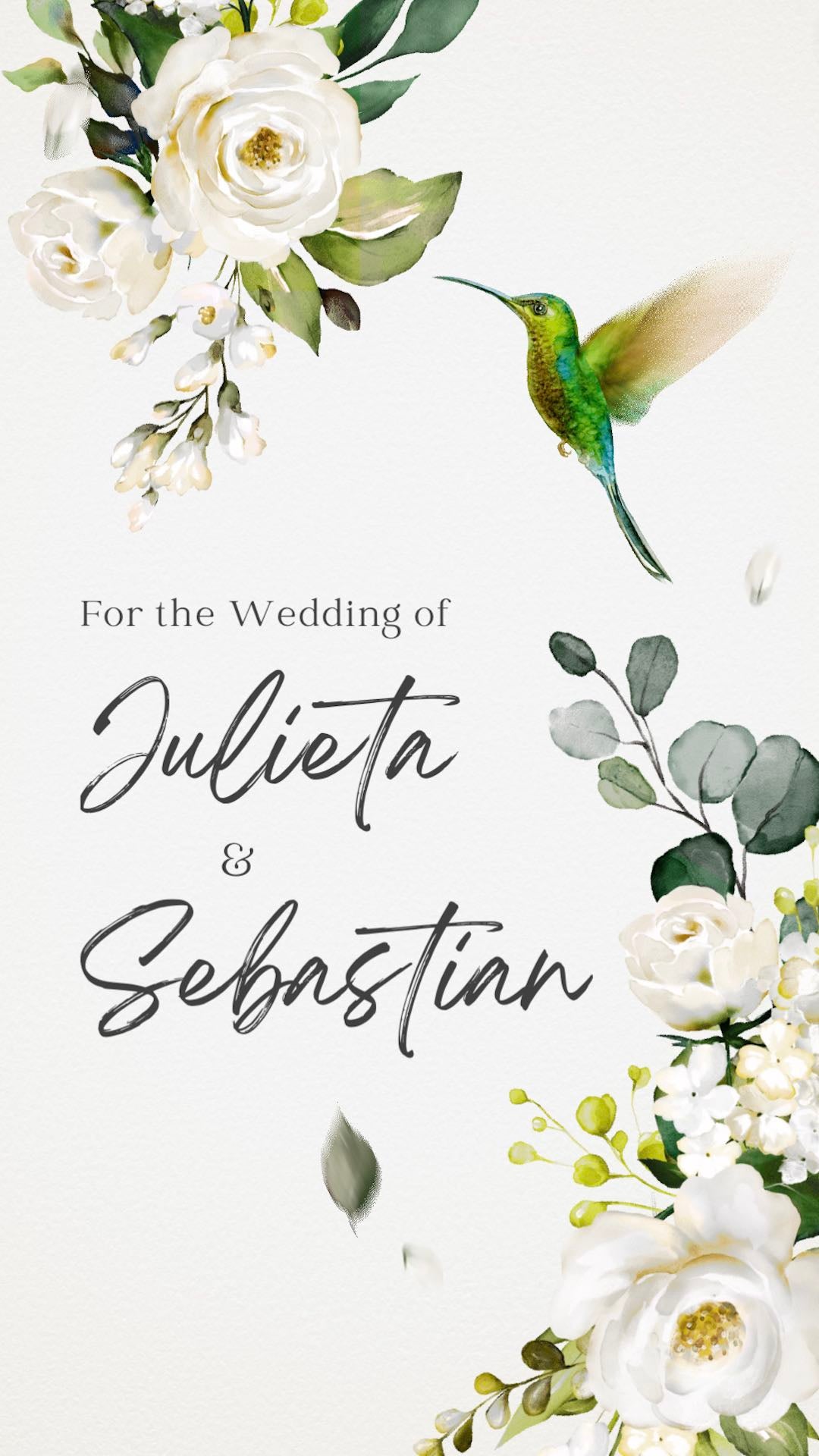
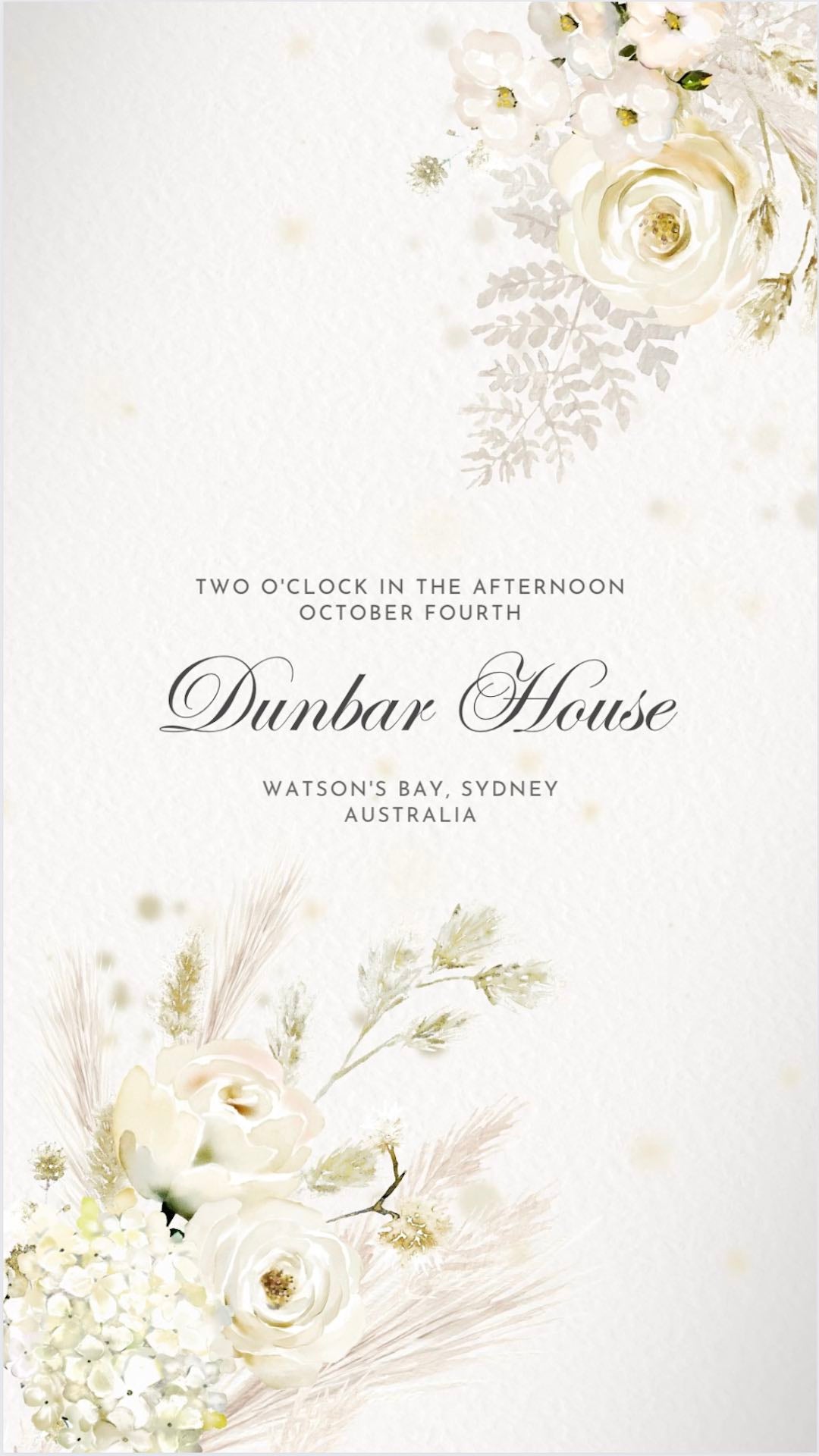
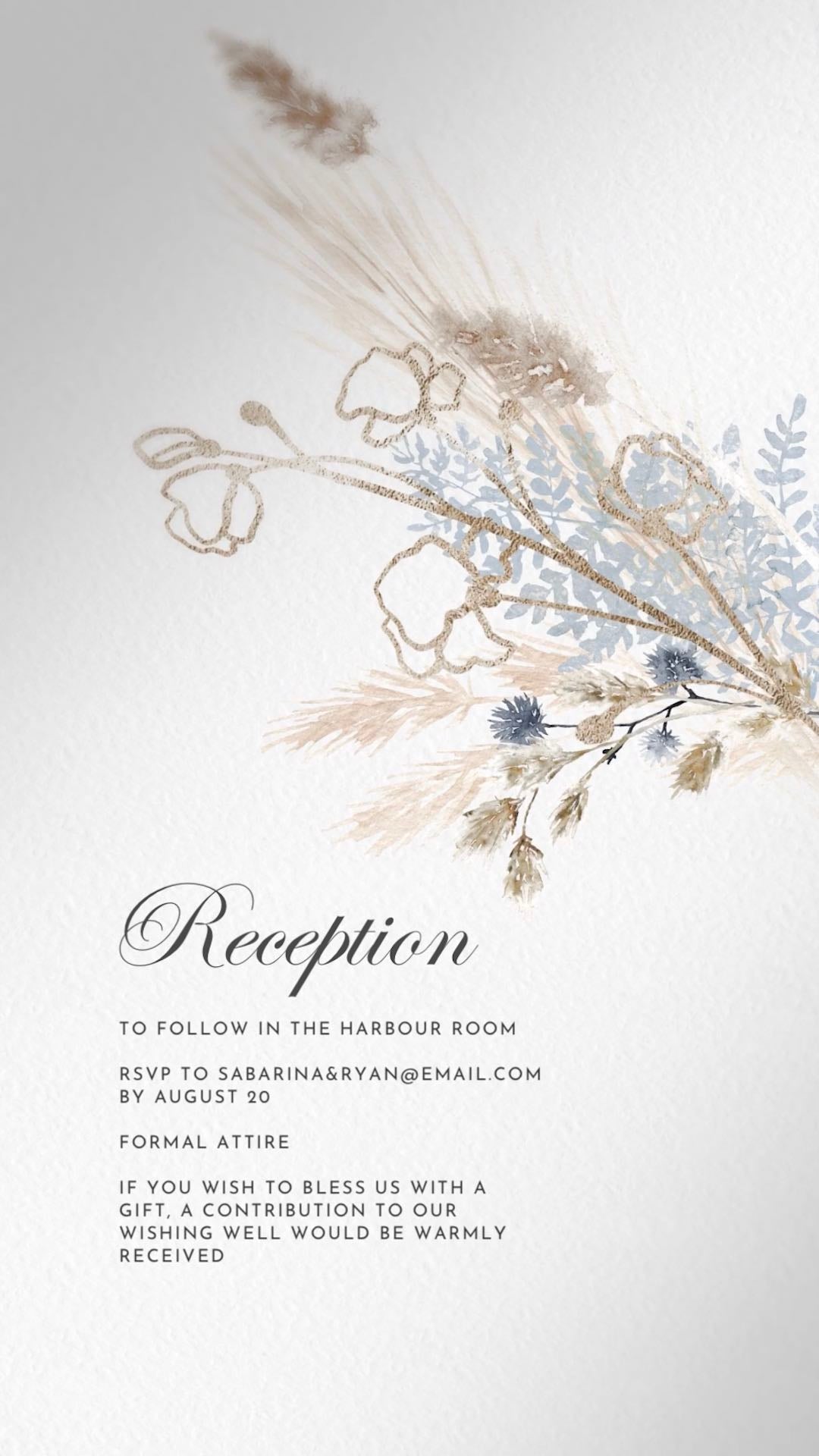
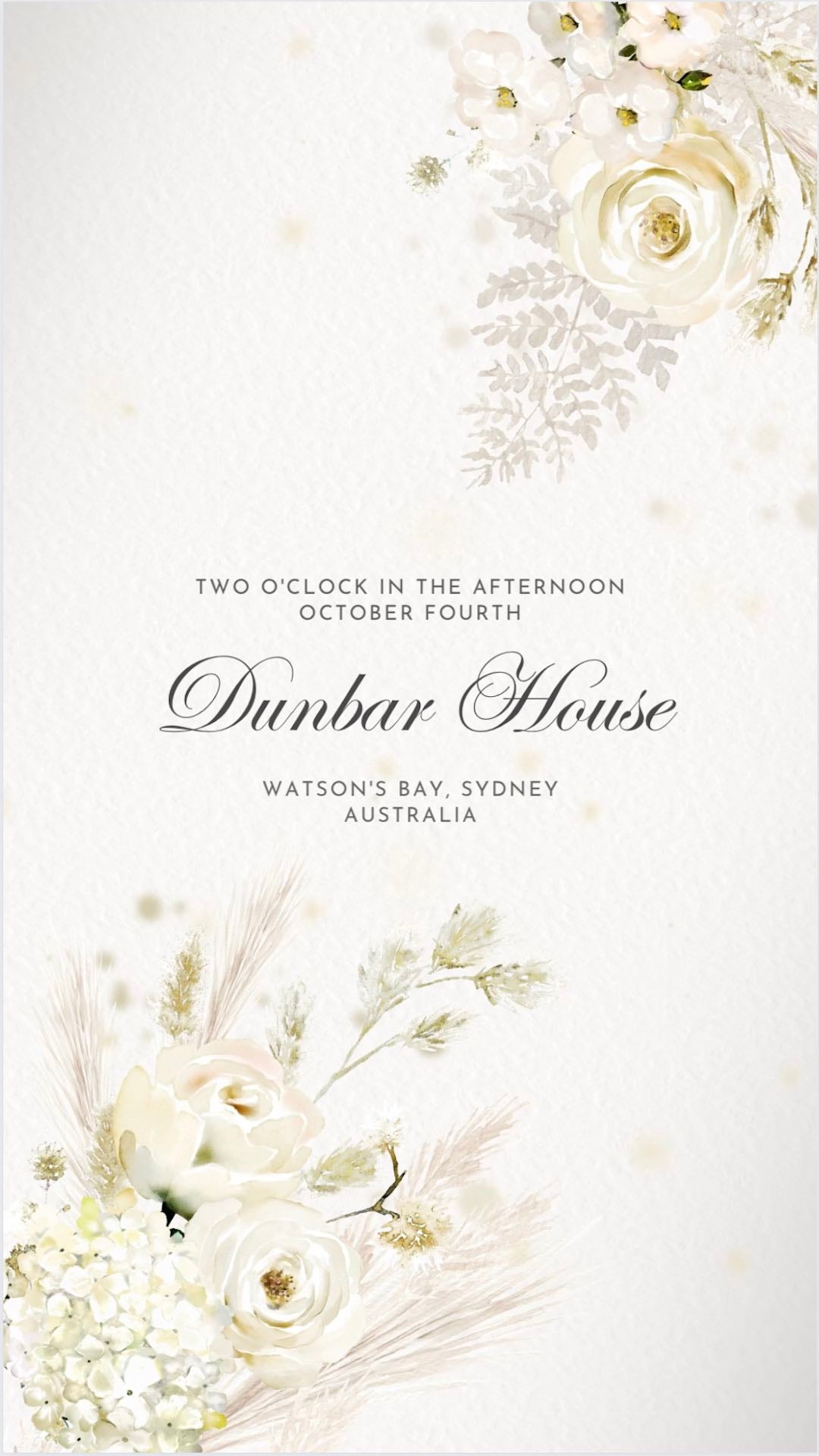
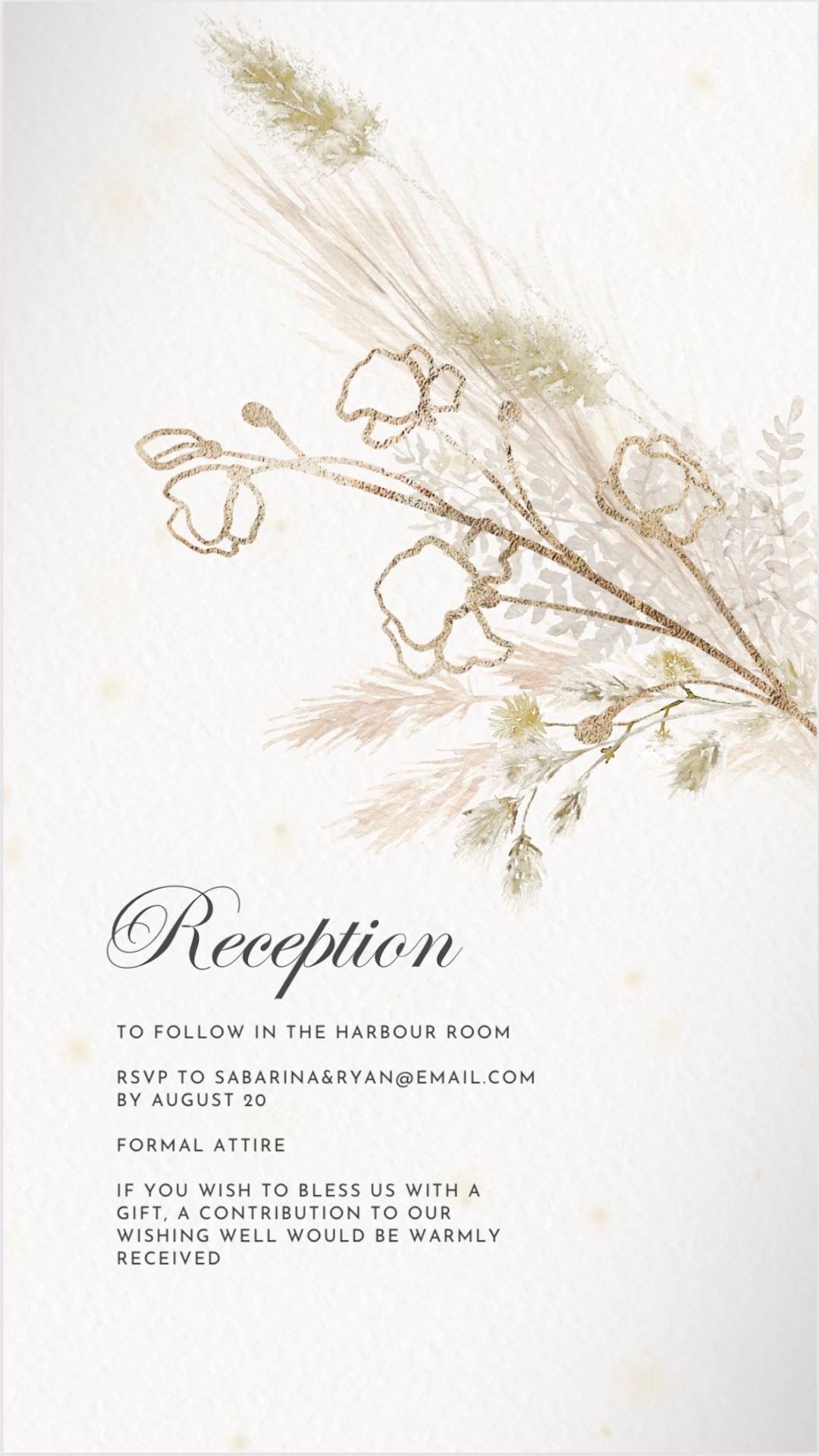

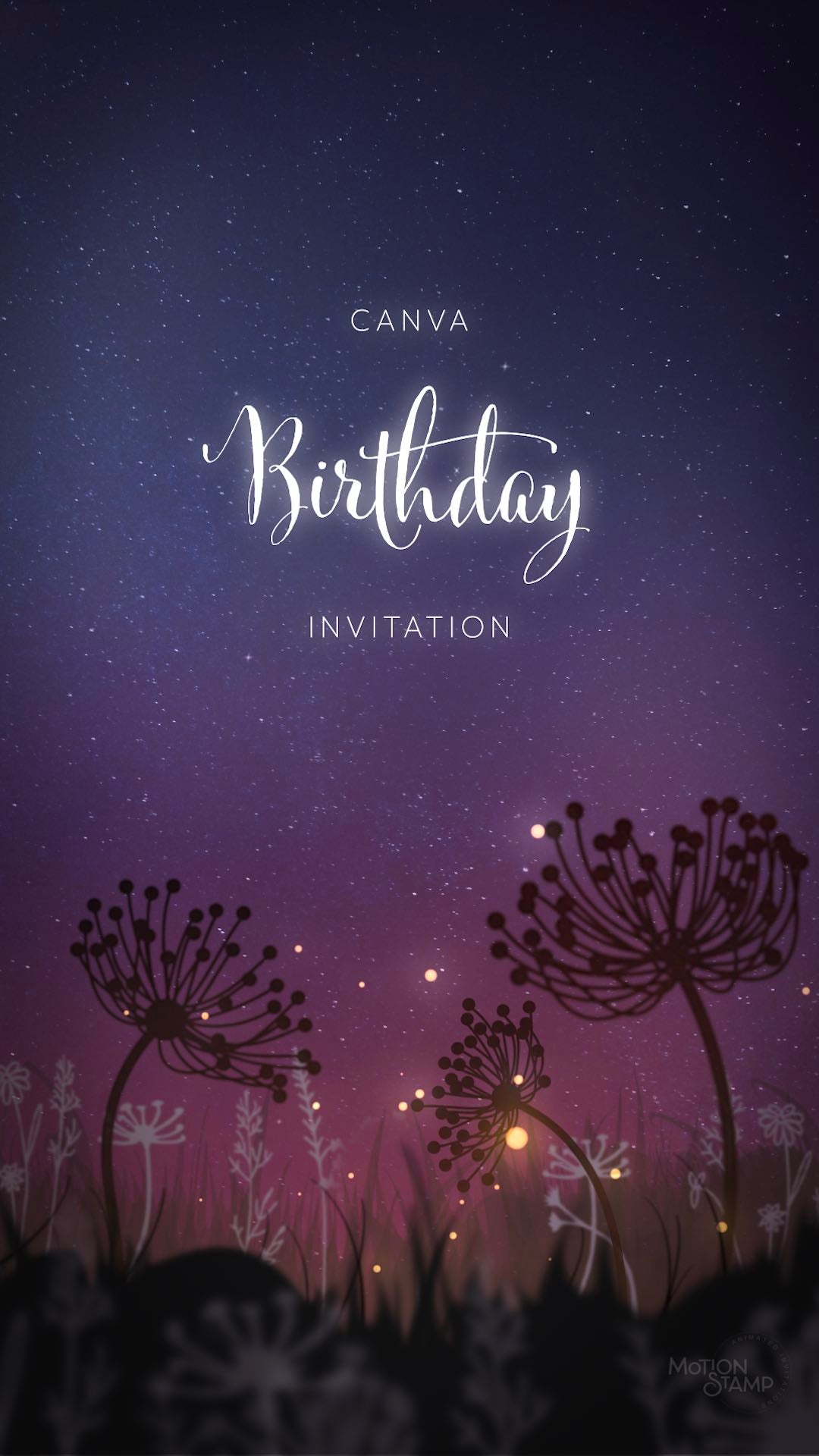

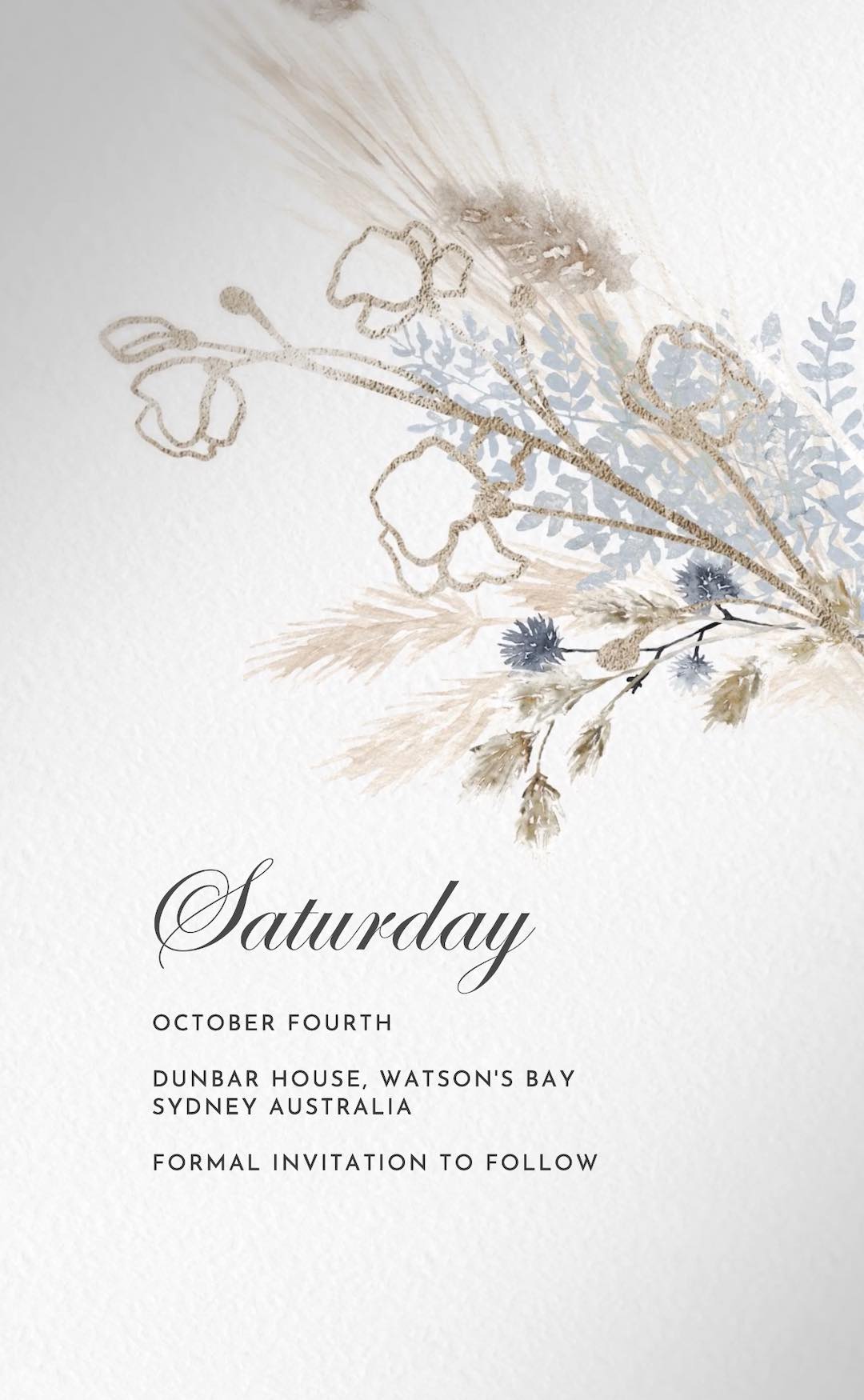
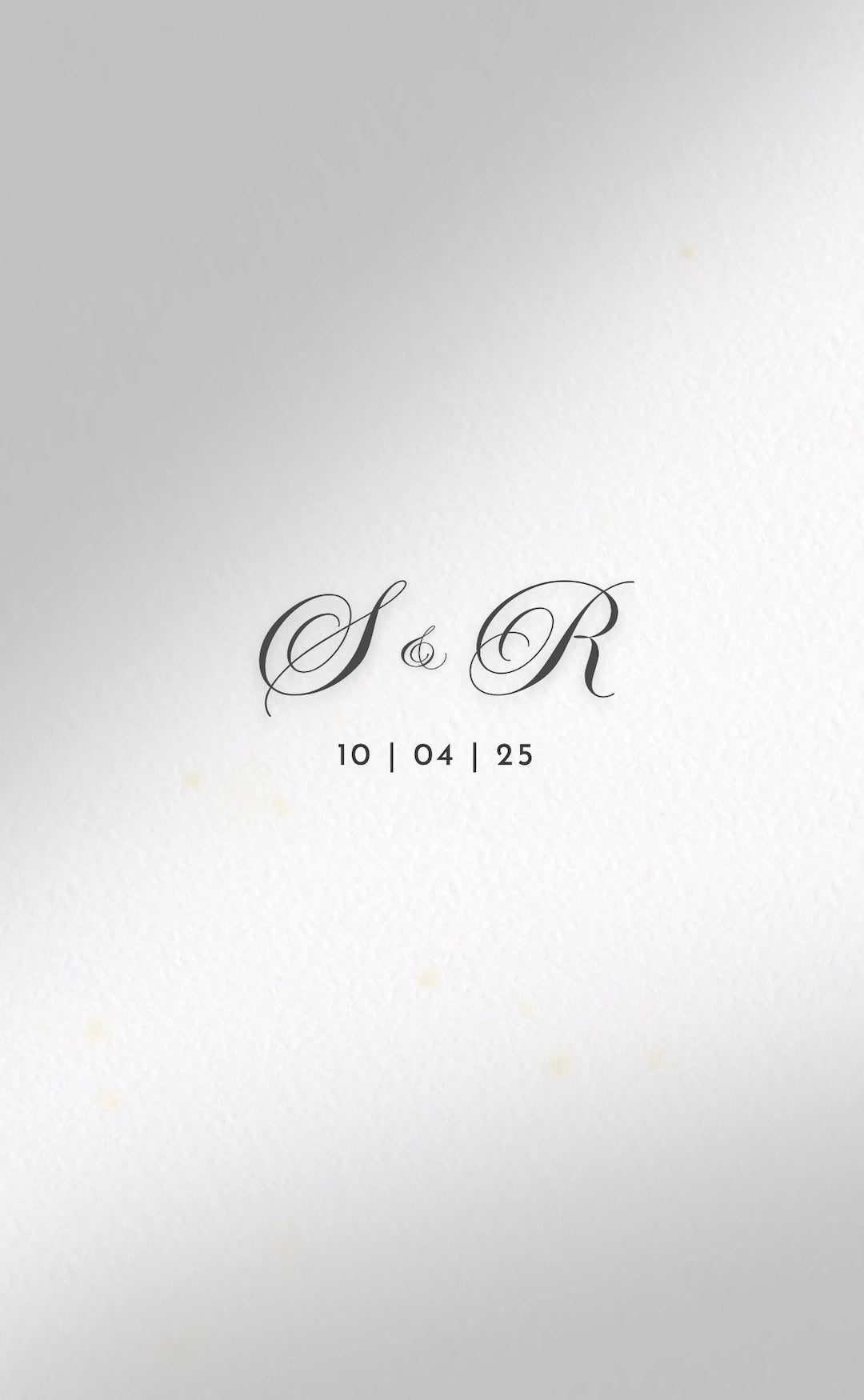
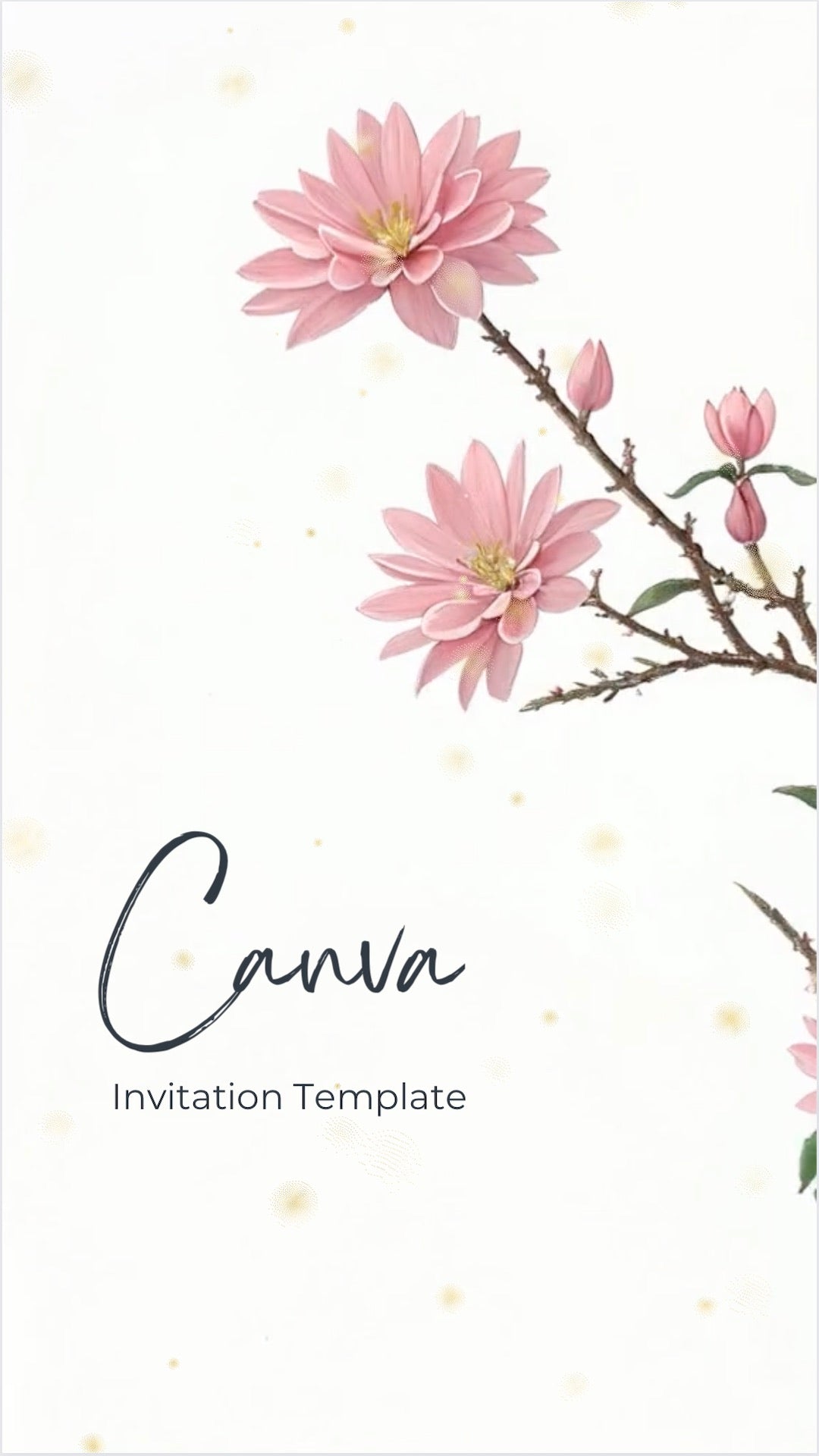
Editable Wedding Invitation Video Templates
Create your own invitation video in Canva using professionally animated templates. Perfect for weddings, save the dates, birthdays, baby showers and special celebrations. Browse our collection of editable video invitation templates and wedding invitation video templates for Canva.
Browse the collection and choose your favourite template. After purchase, you'll receive an instant Canva link and step-by-step guide showing you how to edit your invitation video.
Update names, dates, wording and colours directly in Canva to make your own video invitation, then download and share it with guests by text message, message app or social media.
- Instant Canva template access
- Step-by-step editing guide
- Professionally animated video design
- Unlimited edits in your own Canva account
- Download and share anywhere
Canva invitation templates offer a budget-friendly alternative to custom invitation design. Edit the template yourself, make changes whenever you like and create a professional invitation video without specialist design software.
Perfect for couples, parents and event organisers looking for a professional invitation video at a more affordable price point.
Make a video wedding invitation for free
Download a free editable Canva invitation template and see how easy it is to create your own invitation video before purchasing.
Video Invitation Maker FAQs
Can I Make A Video Wedding Invitation In Canva?
Yes. Motion Stamp templates are professionally animated and fully editable in Canva, allowing you to create a beautiful wedding invitation video without specialist design or video editing software.
Simply update the names, dates, venue details and wording, then download your finished invitation and share it with guests online.
Do I Need Canva Pro To Edit The Templates?
No. Motion Stamp templates are designed to work in Canva and can be edited using a standard free Canva account.
Each purchase includes instructions explaining how to access and customise your invitation template.
What Can I Change In My Video Invitation Template?
You can edit the text, names, dates, wording, colours and fonts within the Canva template.
Many templates also allow images and music to be changed, giving you flexibility to create an invitation that suits your event and personal style.
Every template includes a step-by-step guide to help you customise and deliver your invitation with confidence.
What Types Of Events Can These Video Invitation Templates Be Used For?
While many templates are designed for Weddings and Save the Dates, they can also be used for birthdays, baby showers, engagements, anniversaries, graduations and other special celebrations.
The category name is simply a starting point. Many customers adapt designs for completely different events.
How Do I Receive My Canva Video Invitation Template?
After purchase, you'll receive an email containing a Canva access link and instructions explaining how to edit your template.
You can begin customising your invitation immediately and make unlimited edits within your own Canva account.
Can I Try A Template Before Purchasing?
Yes. Motion Stamp offers a free Canva invitation template so you can experience the editing process before purchasing a full design.
This allows you to see how easy it is to edit a video invitation in Canva and decide whether a DIY invitation template is right for your event.
Canva Video Invitation Tutorial
Discover the ease of Canva. Dive into our tutorial and learn how to effortlessly edit your design.