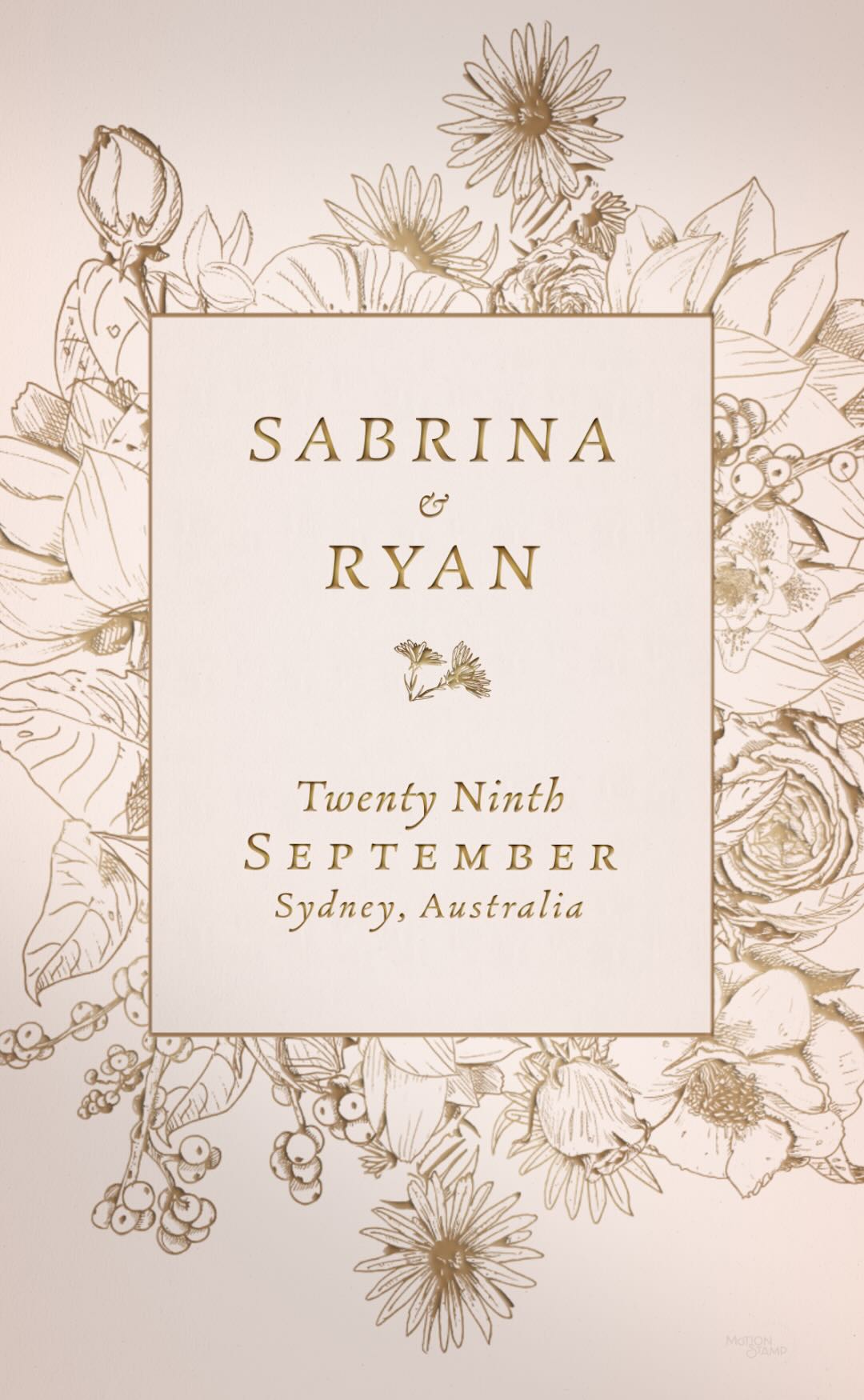
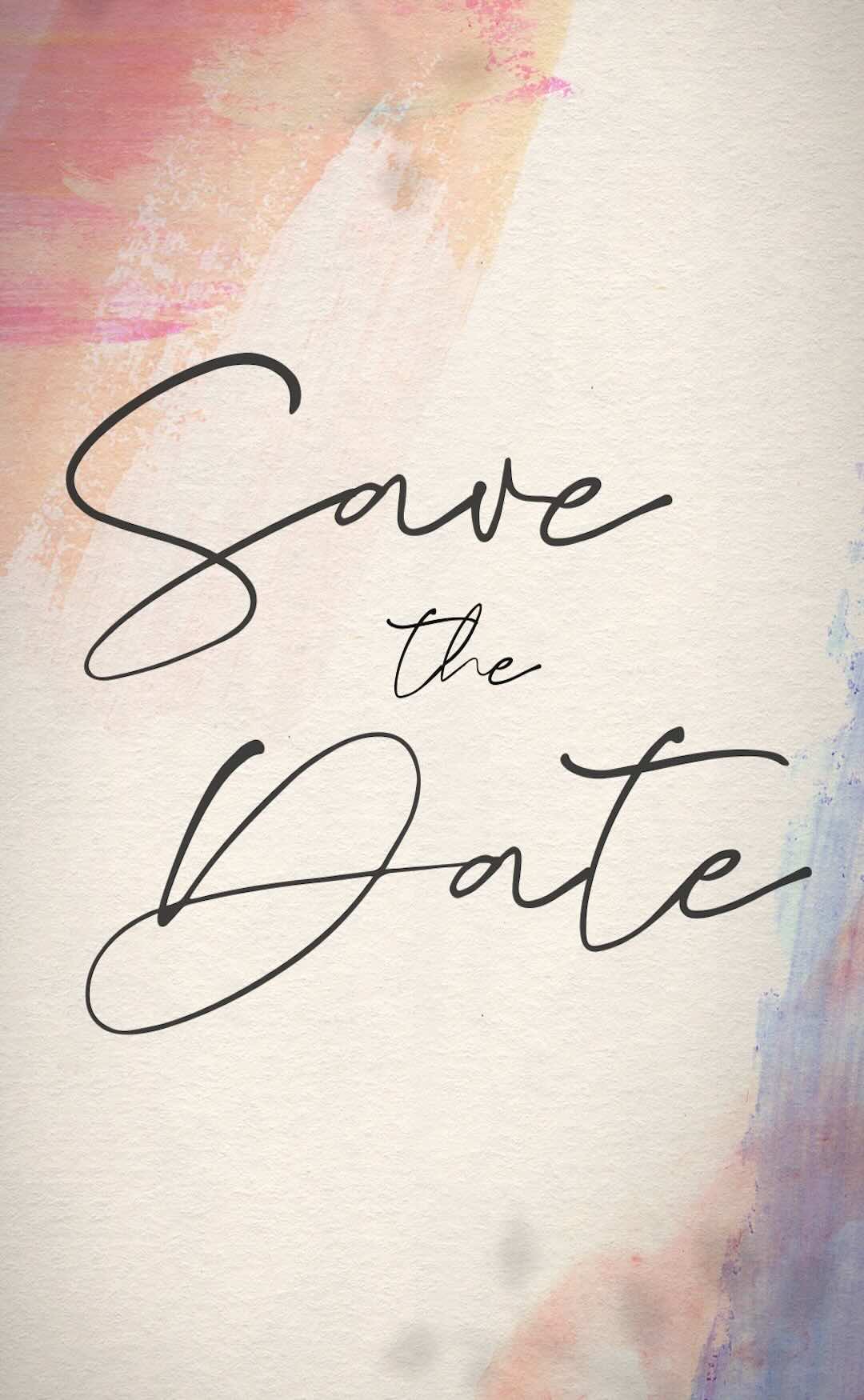
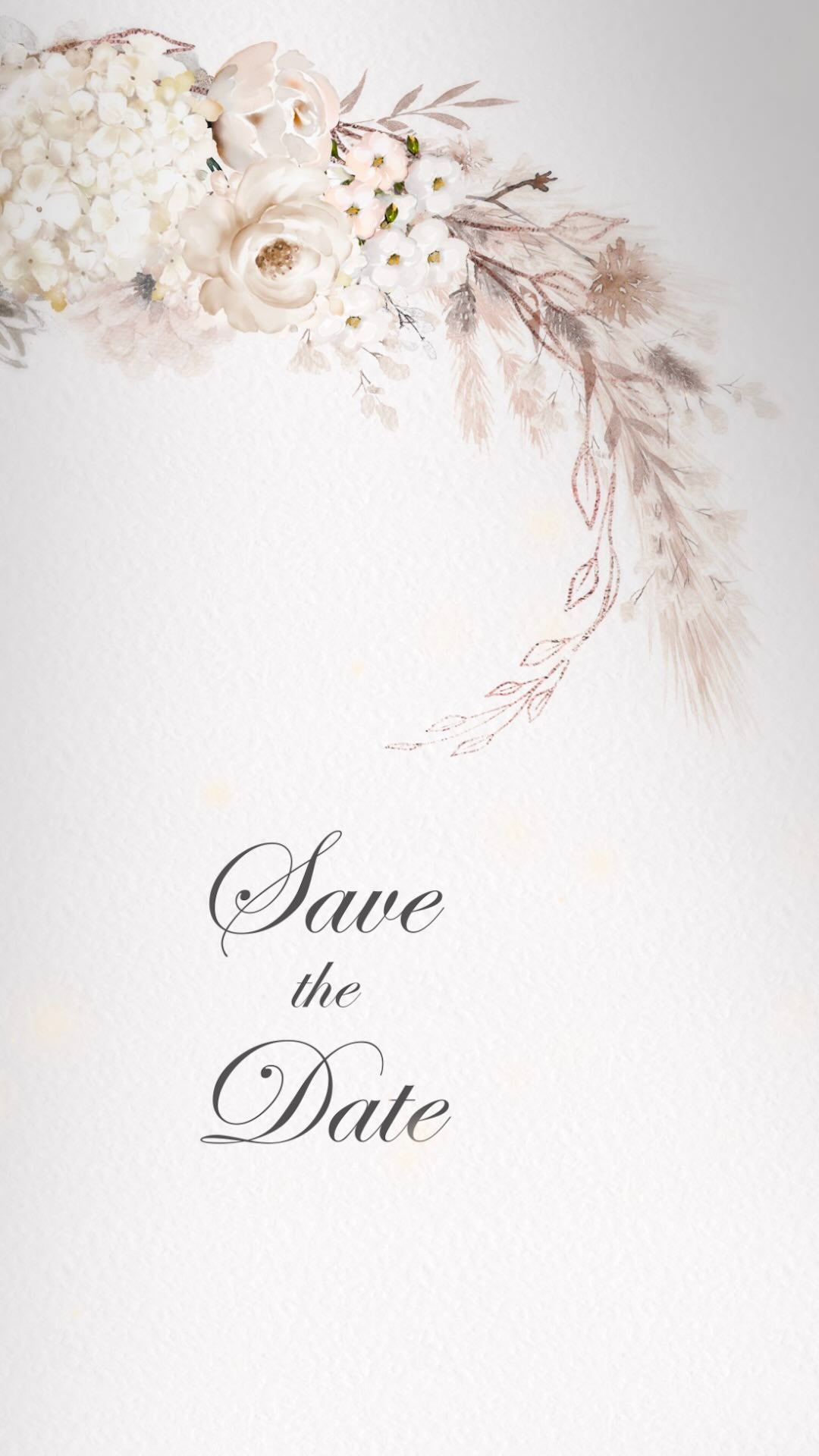
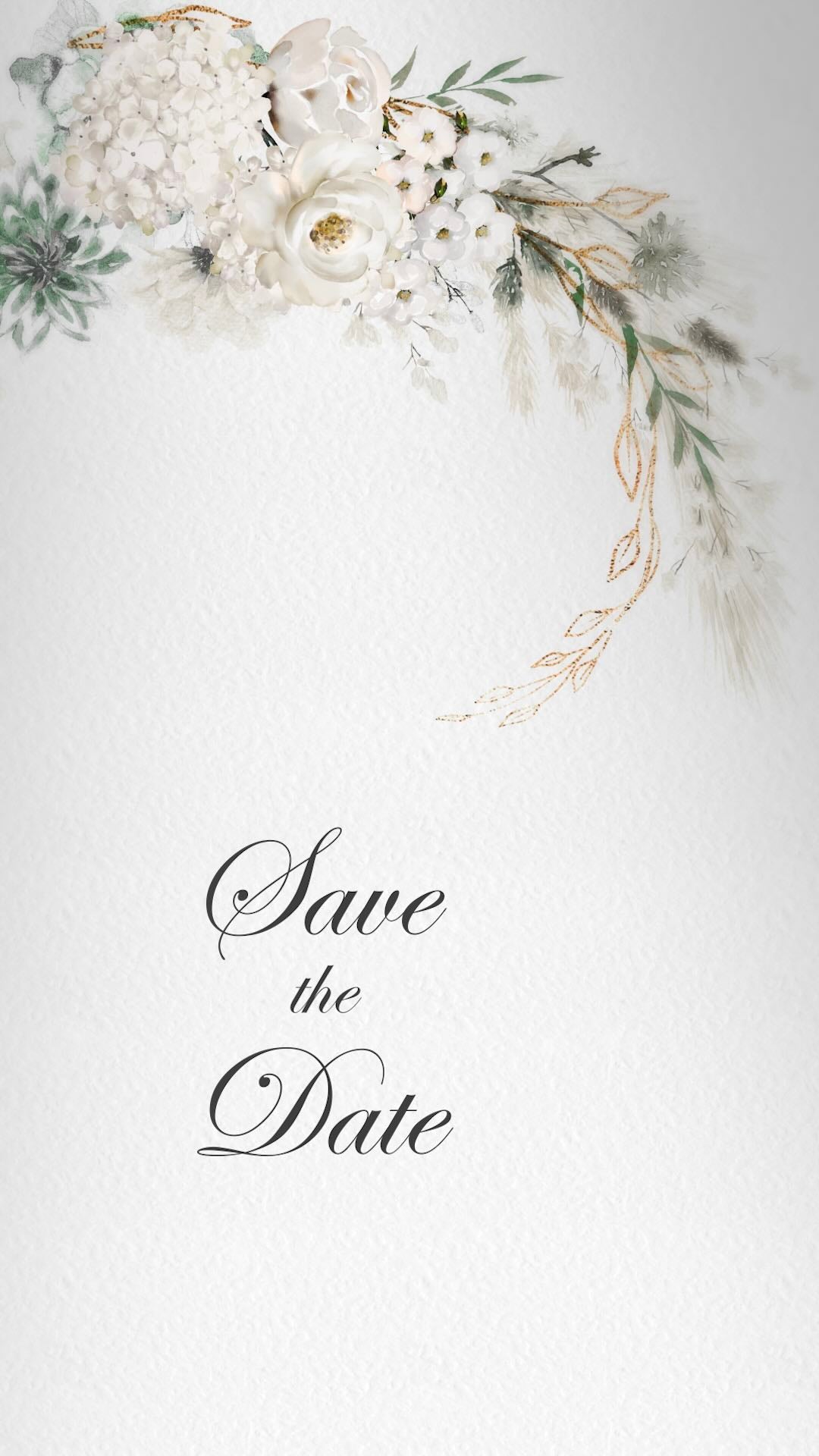
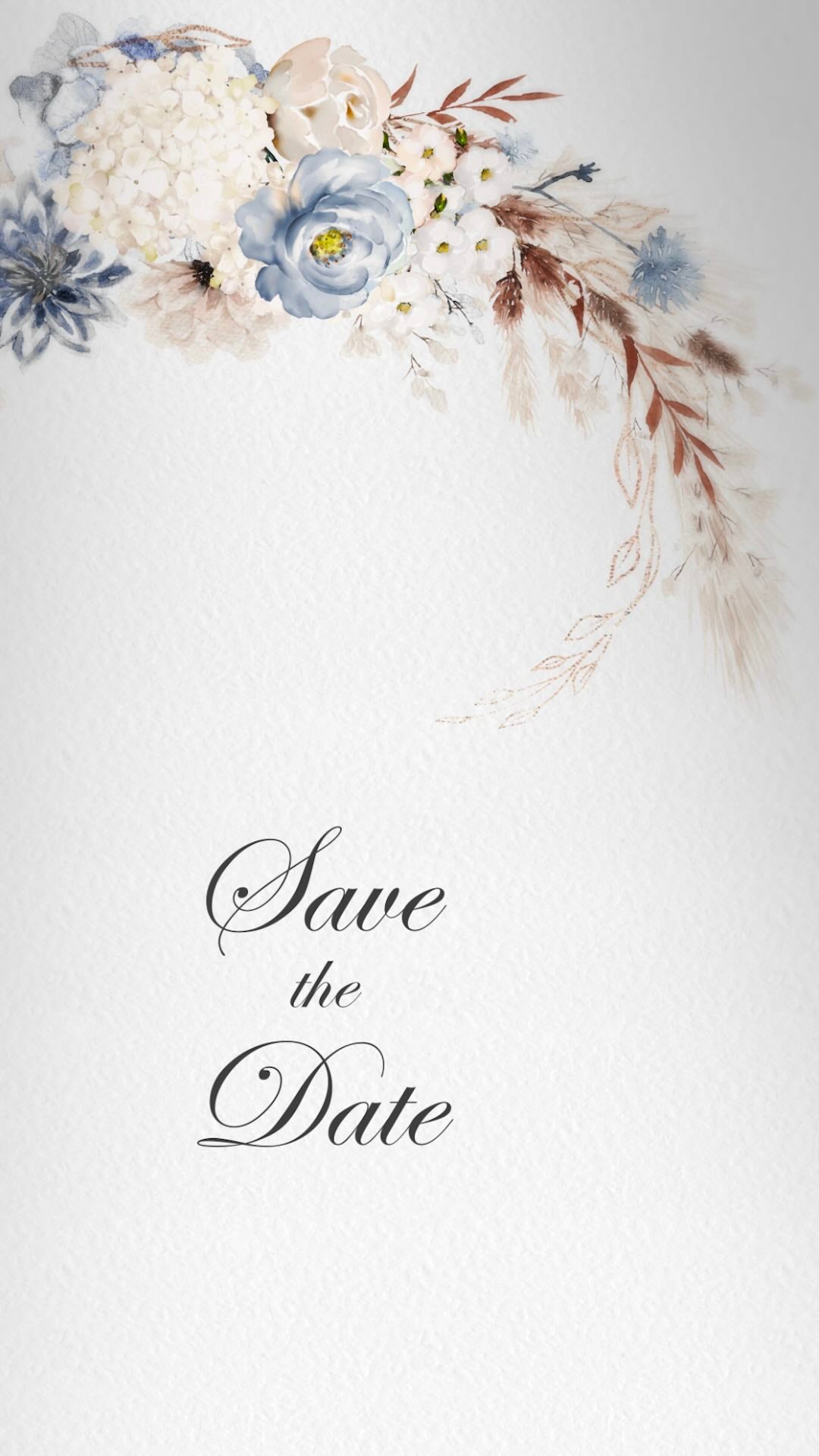
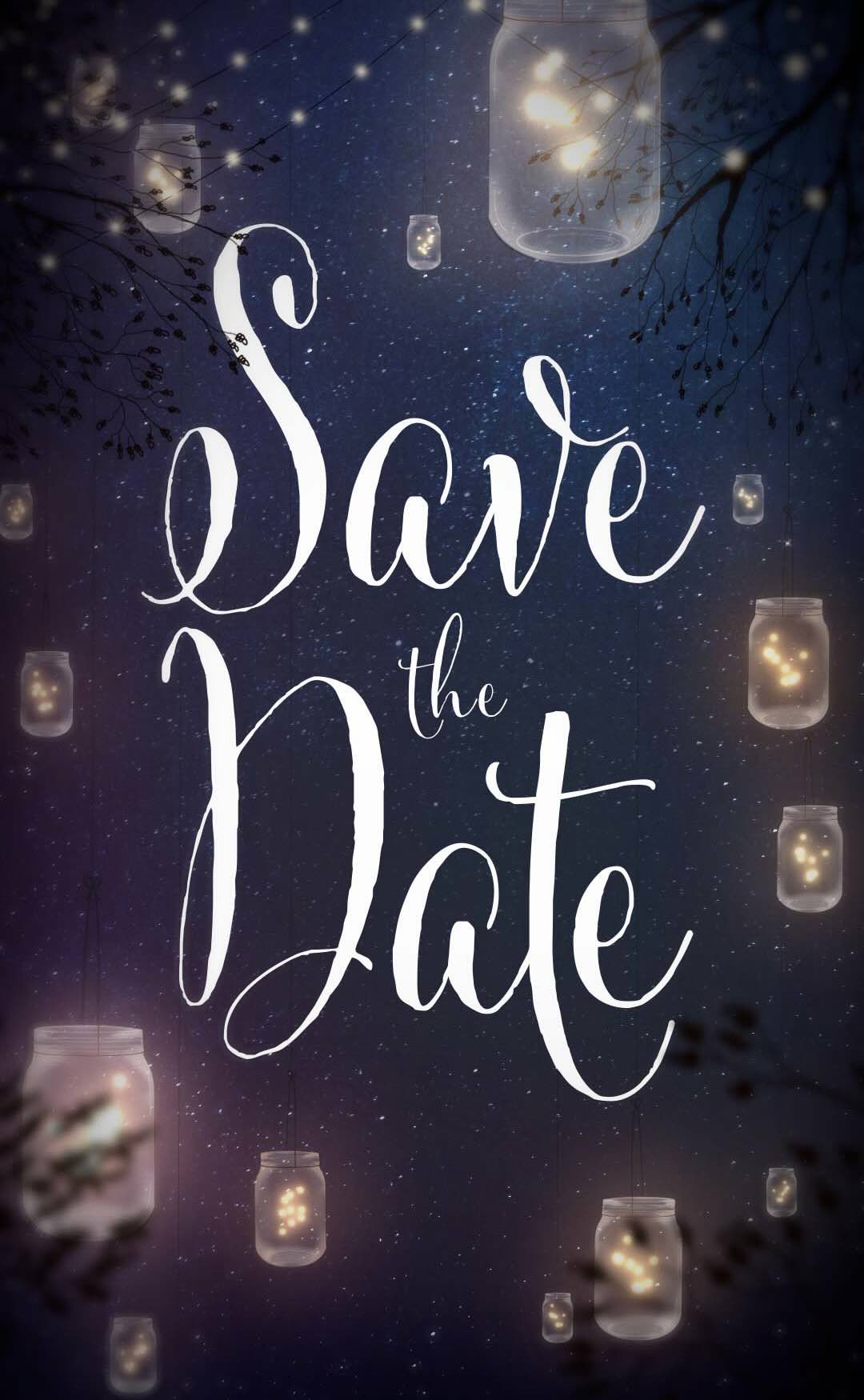



Digital Save the Date Videos for Modern Weddings
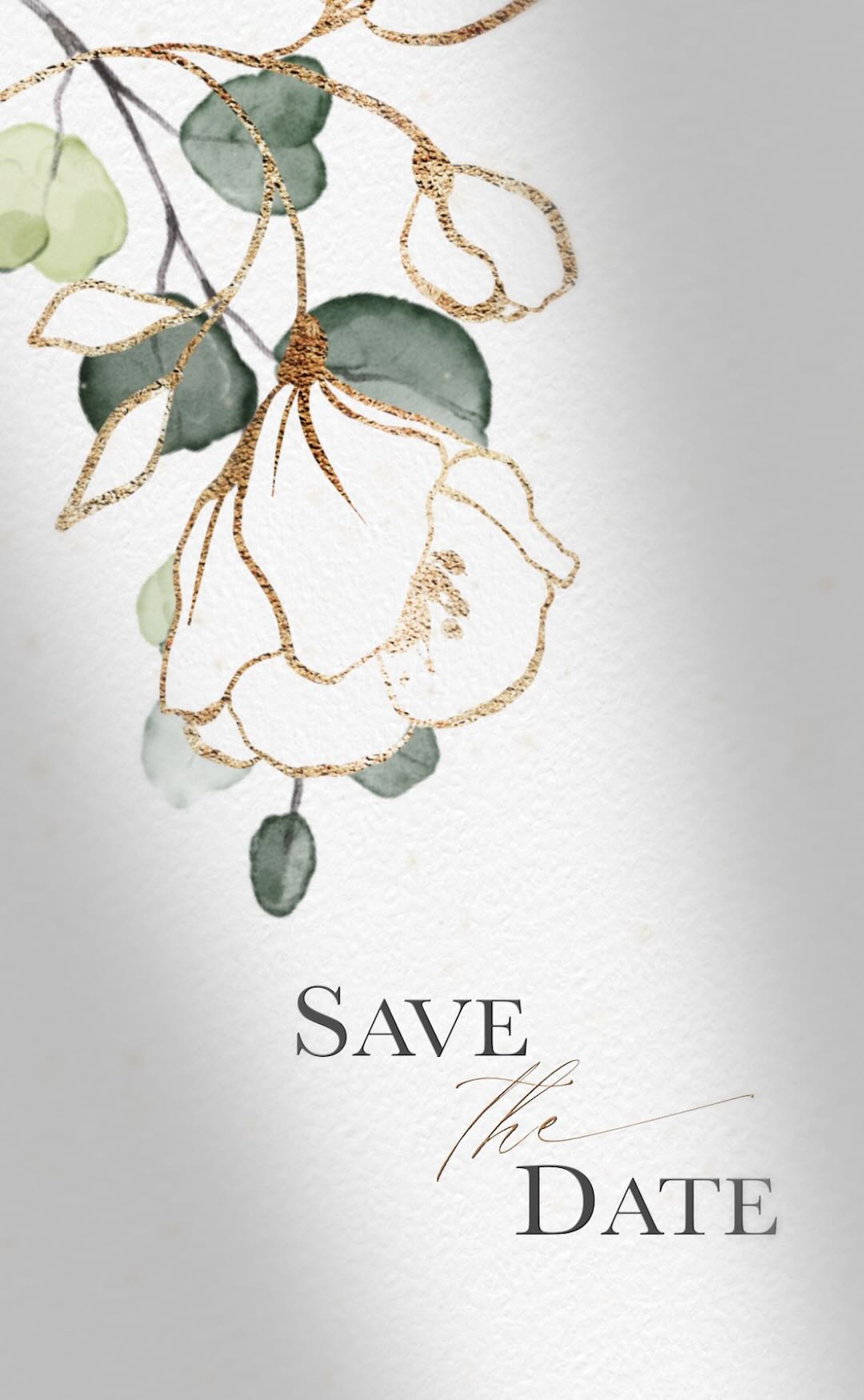
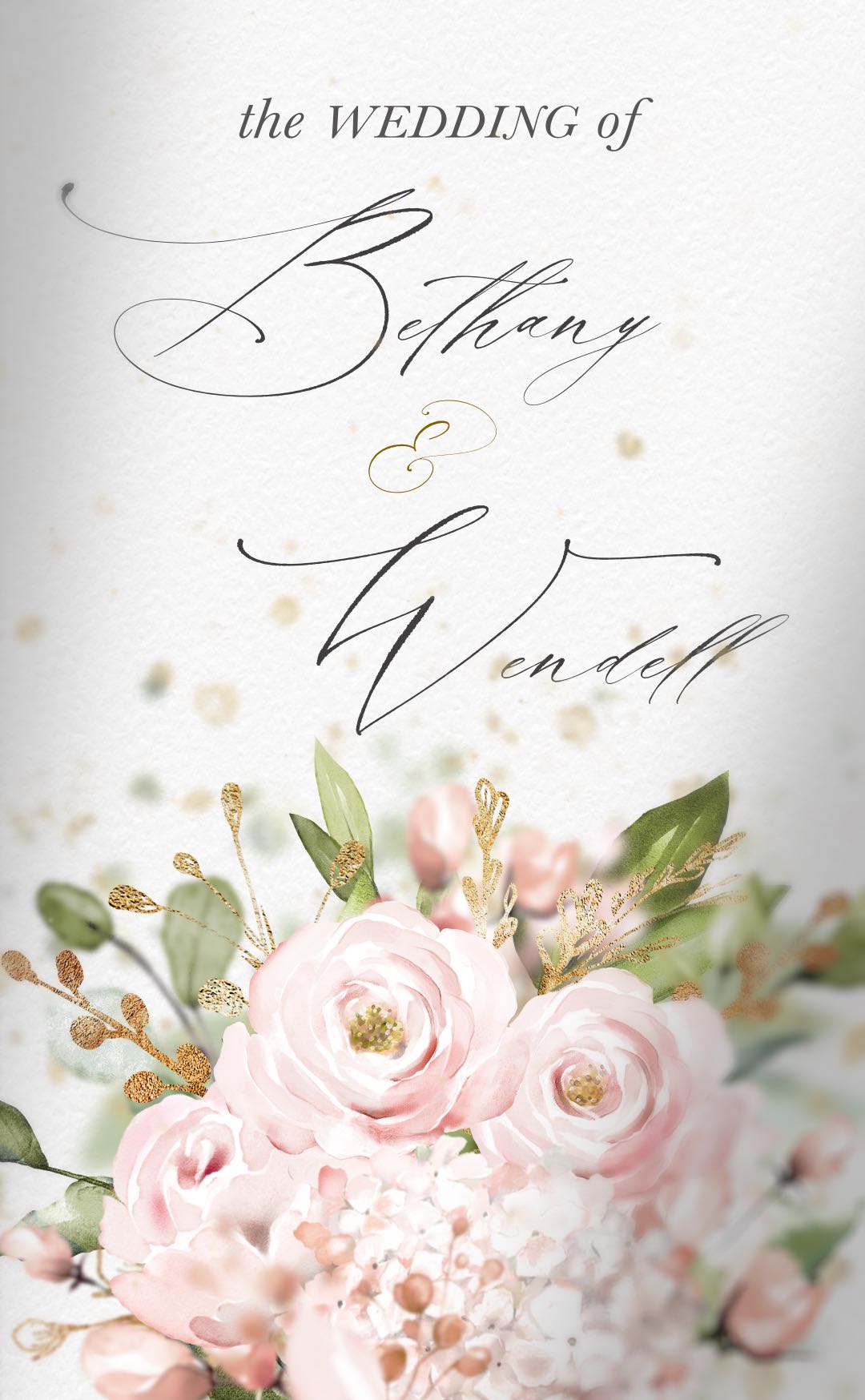
Announce your wedding date with a beautifully designed digital Save the Date video that can be shared instantly with guests anywhere in the world.
Download your video invitation or add an optional event webpage to host your Save the Date online and provide guests with accommodation details, travel information, maps and other helpful event information.
Create Your Save the Date in 4 Simple Steps
1. Choose a design
Browse our collection and select your favourite Save the Date video.
2. Submit Your Details
Enter your names, wedding date and event information in the order form.
3. Select Your Options
Choose colours, fonts, music and an optional event webpage.
4. Review & Approve
Ready in 4–6 days. Receive your preview and one included revision before delivery.
Digital Save the Date - Frequently Asked Questions
What Is a Save the Date Video?
A Save the Date video is a digital announcement sent before your formal wedding invitation, letting guests know when and where your wedding will take place.
Unlike traditional paper cards, Save the Date videos can include animation, music and personalised details, creating a memorable first impression that can be viewed instantly on phones, tablets and computers.
Why Choose a Digital Save the Date?
Digital Save the Dates are a convenient and modern way to announce your wedding date to guests anywhere in the world.
They can be shared instantly by text message, email or social media, eliminating printing and postage costs while making it easier for guests to save the date in their calendars. They are particularly useful for destination weddings, international guest lists and celebrations planned well in advance.
What Information Should a Save the Date Include?
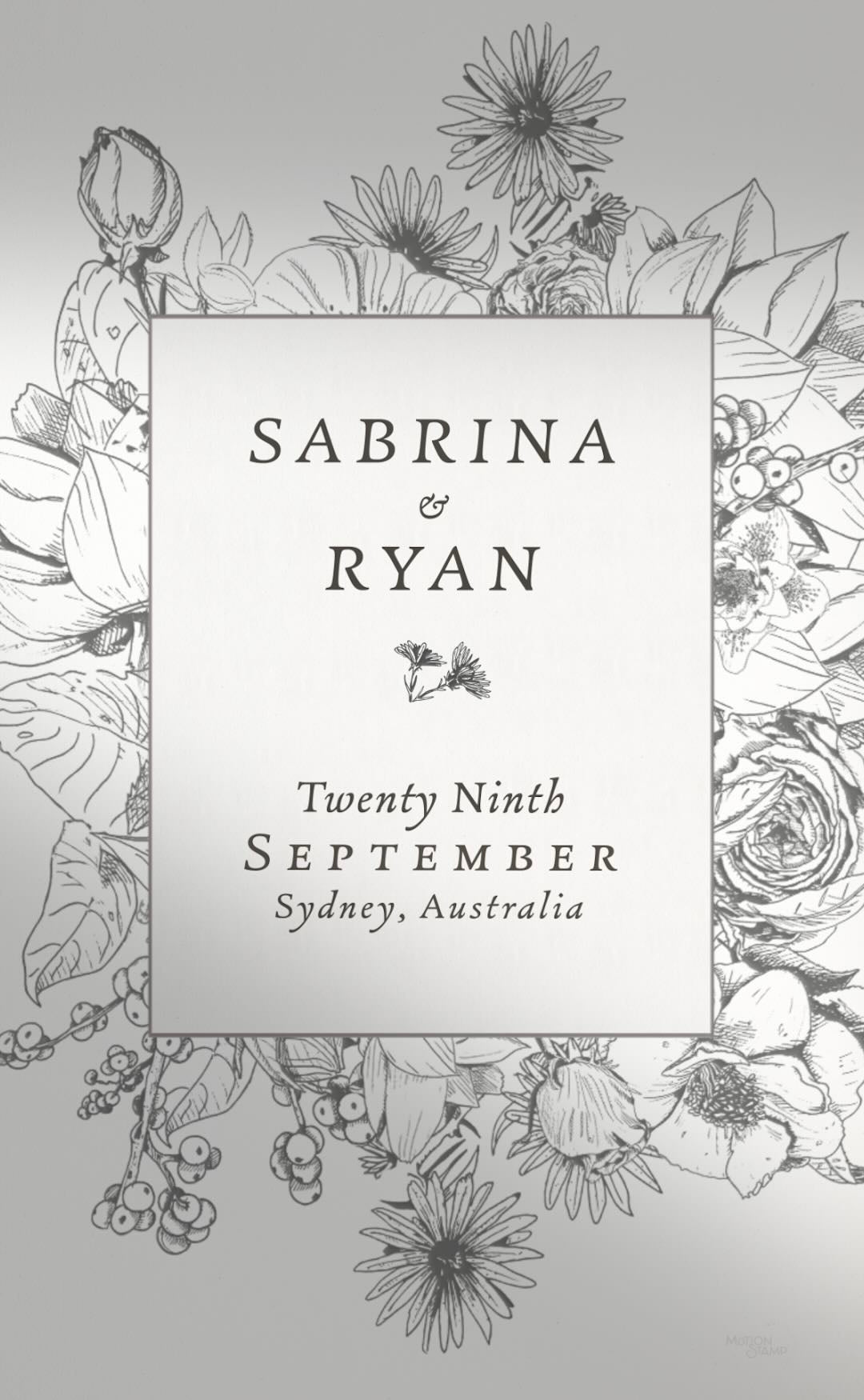
A Save the Date should include the couple's names, wedding date and general location. Many couples also include a short message letting guests know that a formal invitation will follow closer to the wedding day.
Unlike a wedding invitation, a Save the Date is designed to be simple and focused on announcing the date rather than providing detailed event information.
When Should You Send a Save the Date?
Most couples send their Save the Date between six and twelve months before their wedding day.
If your wedding falls during a busy holiday period, involves significant travel, or includes guests from overseas, sending your Save the Date earlier can help guests make arrangements and secure accommodation before formal invitations are sent.
Can Save the Date Videos Be Personalized?
Yes. Every Motion Stamp Save the Date is personalized using your names, wedding date and event details.
Depending on the design selected, you may also have the option to customise colours, fonts and music. Save the Dates can be created in multiple languages or bilingual formats, making them ideal for multicultural celebrations and international guest lists.
You can also add an optional event webpage to host your video invitation and share additional information such as accommodation details, schedules, maps, gift registry links and more.
Why Couples Choose Motion Stamp?
Motion Stamp creates elegant digital Save the Date videos that are memorable, easy to share and designed for modern celebrations.
Many Save the Date designs have matching Wedding Invitations and optional Event Webpages, creating a consistent experience for your guests from the first announcement through to your wedding day. With unlimited guest sharing, multilingual options, RSVP-enabled webpages and a curated collection of professionally designed templates, Motion Stamp makes it easy to create a beautiful first impression before your celebration begins.